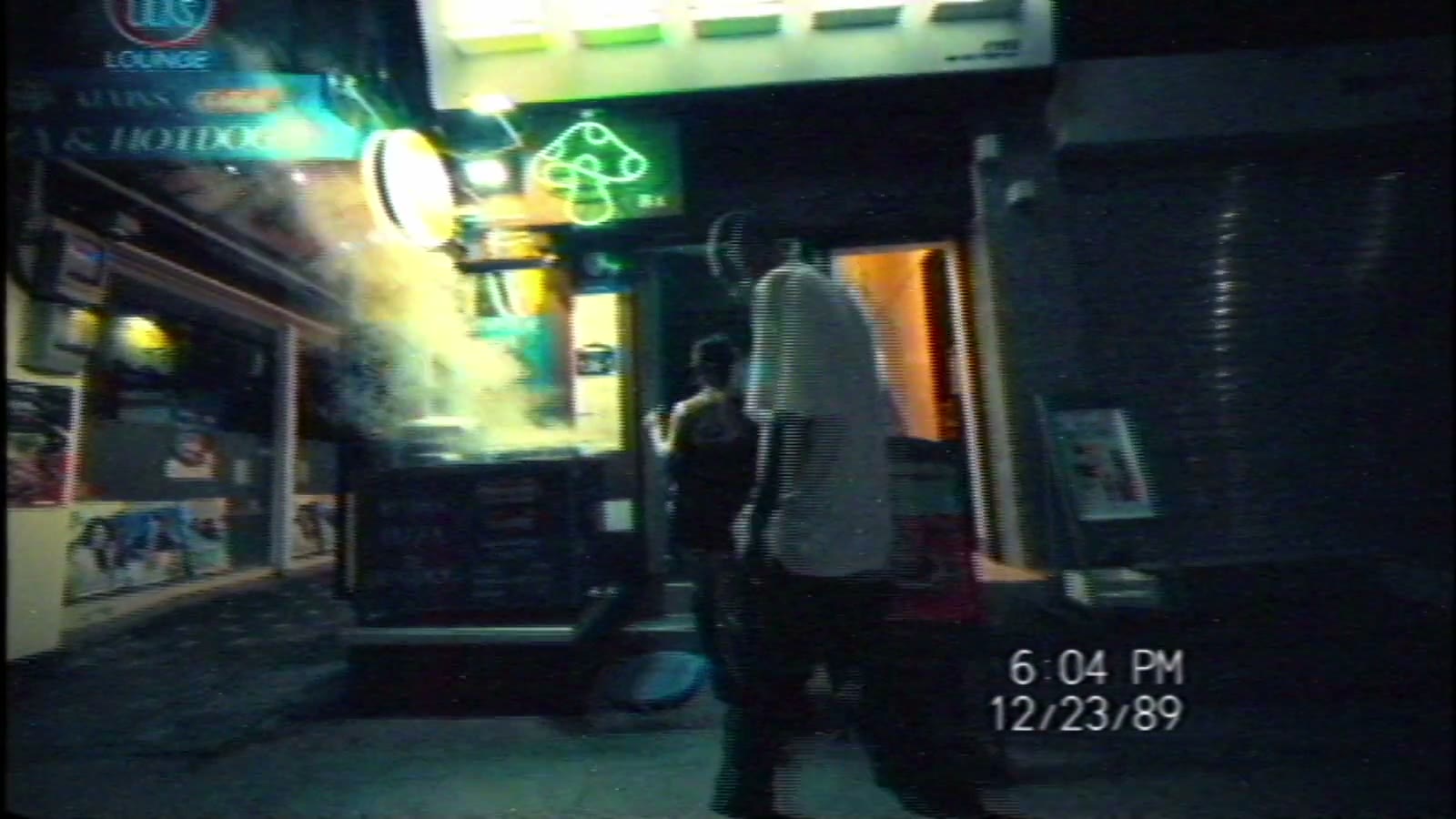
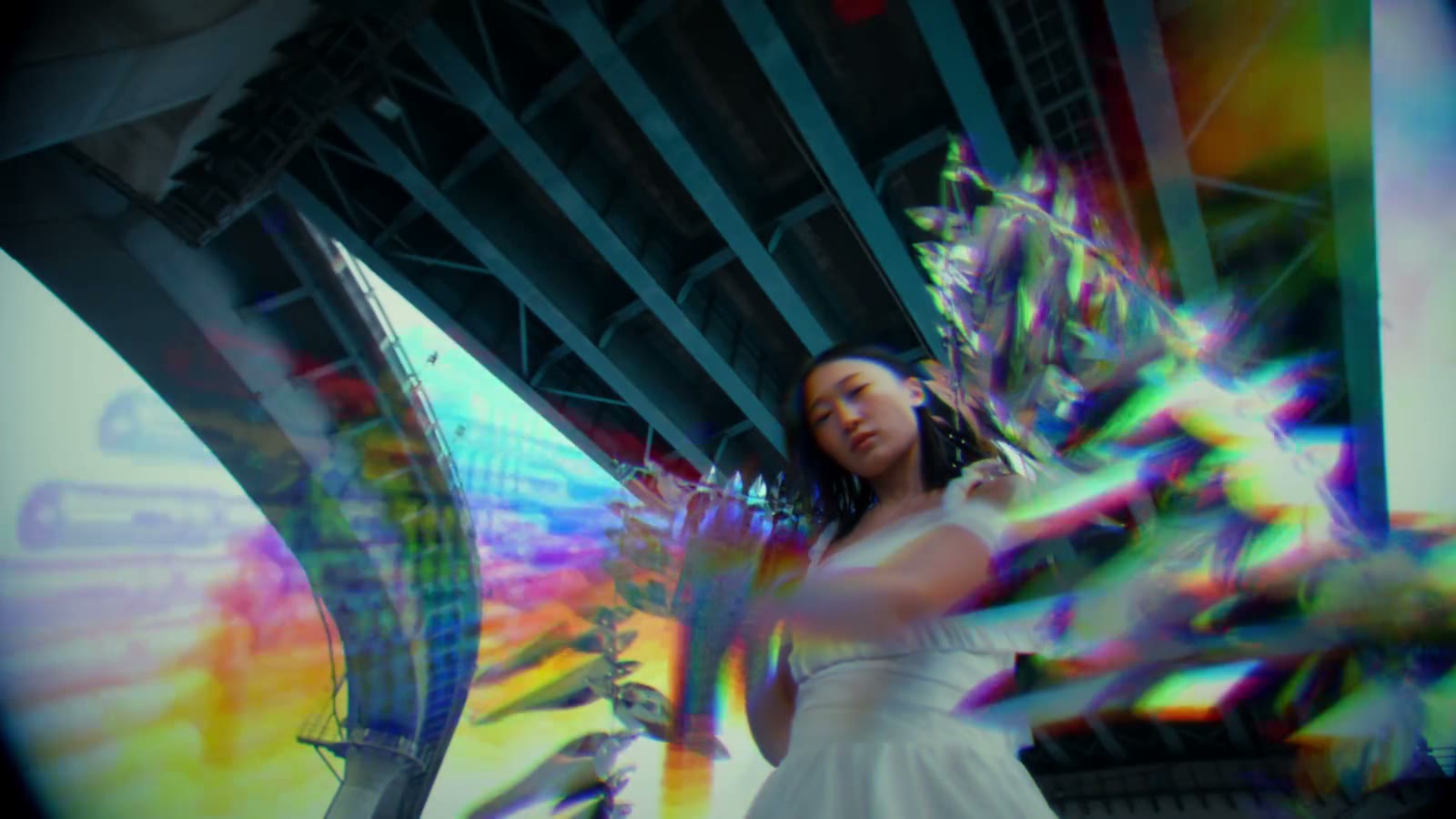
Put OPERATOR on the clip
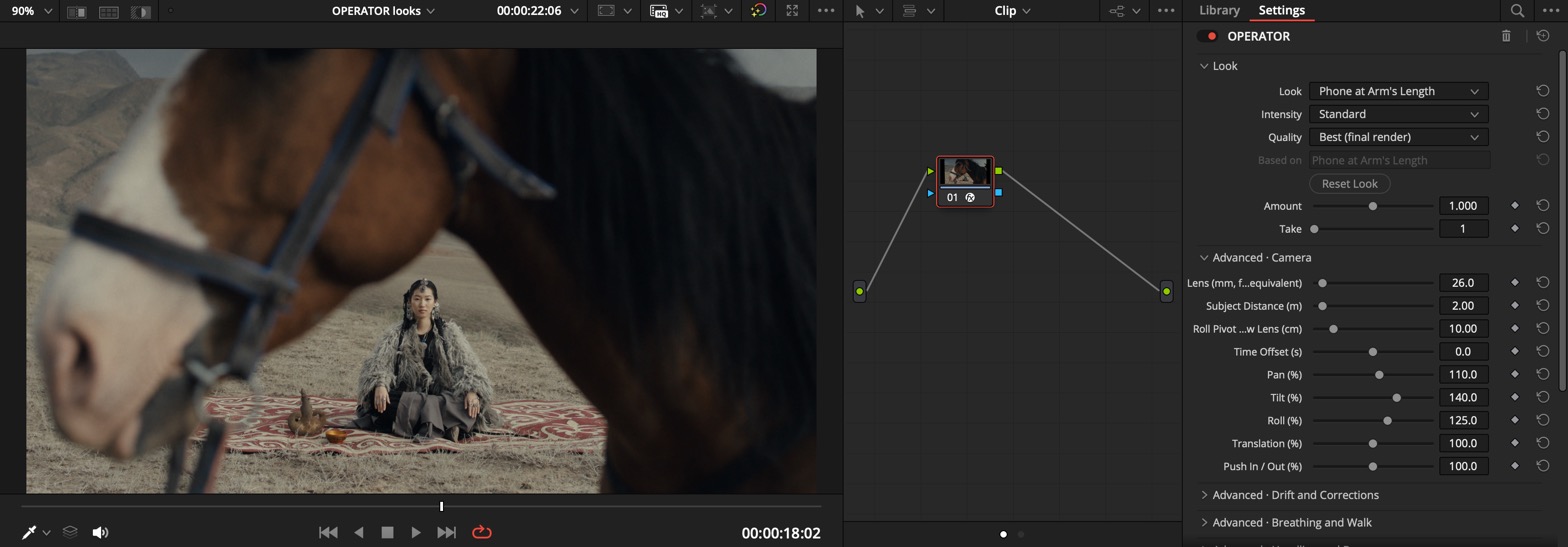
On the Color page, add a node to the clip, open Effects and drag OPERATOR from Paperwolf Studio onto the node. It works best on a shot from a tripod, or on a slow push-in.
Pick a look
The Look menu has nine looks, and each one is a way of holding a camera, from a patient observer to someone running with it.


How much movement
These examples start from Phone at Arm's Length, a phone held out by someone standing still.
Look

In Look. Each look sets every control below it: the lens, the kind of shake, the shutter.
Intensity

Every look comes in three strengths.
Amount

How much the camera moves. At 0 it is a still camera, at 1 it is the look, at 2 it moves twice as much.
Take

Another take by the same operator: the same style, different moves. Use it when one move lands at the wrong moment.
The camera
Lens

In Advanced · Camera. The lens the shot looks like it was taken with. Shake is measured in degrees, so a longer lens shows more of it.
Pan

The sideways turn of the camera, on its own.
Tilt

The up and down turn.
Roll

The lean of the horizon. Roll Pivot Below Lens (cm) puts the pivot where the hands are, so the frame swings the way a held camera does.
Push In / Out

The operator moving a little closer and further away.
Drift and corrections
Drift

In Advanced · Drift and Corrections. The operator slowly losing the frame, from posture sway and tired arms.
Corrections

The operator catches the drift and puts the frame back, with a little overshoot. At 0 nobody is correcting and the frame wanders off.
Glances

Now and then the camera looks somewhere else and comes back.
Breathing and walking
Breathing

In Advanced · Breathing and Walk. The slow rise and fall of a camera held against a chest. Breaths per Minute sets the pace.
Walk

At 0 the operator stands. Above it the operator walks, at the pace set in Steps per Minute. The steps are real strides taken from recorded walking and running, so every step is a little different.
Bumps

In Advanced · Handling and Bumps. A knock to the camera every few seconds, which rings and settles.
Recorded shake
Source

In Advanced · Recorded Shake. The fine wobble of each look is measured from real handheld footage. This menu picks which recording is used, and Blend With mixes in a second one.
Recorded Shake

Scales that recorded wobble. At 100 it has the amplitude that was measured.
Shutter and sensor
Shutter

In Advanced · Shutter and Sensor. The motion blur the movement leaves on each frame. A wide shutter smears a fast move, a fast one keeps every frame crisp, like a phone in daylight.
Rolling Shutter

How long the sensor takes to read a frame from top to bottom. At 0 it is a global shutter. Phones sit around 5 to 15 ms and many mirrorless cameras between 10 and 30, which is what bends verticals in a fast pan.
Edges and the motion graph
Edges
In Advanced · Edges. A moving frame uncovers its own borders. Zoom In to Hide (auto) zooms just enough for the look's moves, Mirror fills the gap with a reflection, and Black shows the true edge of the frame.
Show

In Advanced · Debug. Draws pan, tilt and roll over four seconds and the path of the frame centre, for fine tuning.
FAQ
Is it random noise on the position and rotation?
No. The fine shake of eight looks, and every walking and running step, come from real handheld camera motion measured on reference footage. The slower movement follows how people breathe, sway and correct a frame.
Does OPERATOR work in the free version of DaVinci Resolve?
Yes, in the free version and in Studio, on macOS.
Will the movement change when I render?
No. The motion is a function of time only, so any frame rendered alone, in any order, is the same frame.
Does it work on AI-generated or locked-off drone shots?
Yes. Any shot without camera shake of its own can take it. On footage that already moves, the two movements add up.
Does OPERATOR add motion blur?
Yes. Every frame goes through a real shutter, so the blur follows the exact path the camera moves during the exposure, with rolling shutter on top if you want it. Shutter sets how long each frame is exposed: a wider shutter smears more, the way it does on a real camera.
Can I keyframe the controls?
Yes. Every slider has a keyframe button on the Color page, so the operator can be calm at the start of a shot and restless at the end.
Get OPERATOR
OPERATOR has nine looks, each in three strengths, and 62 controls under them. The trial has every feature with a watermark and no time limit, so you can try it on your own footage first.