Studio app.
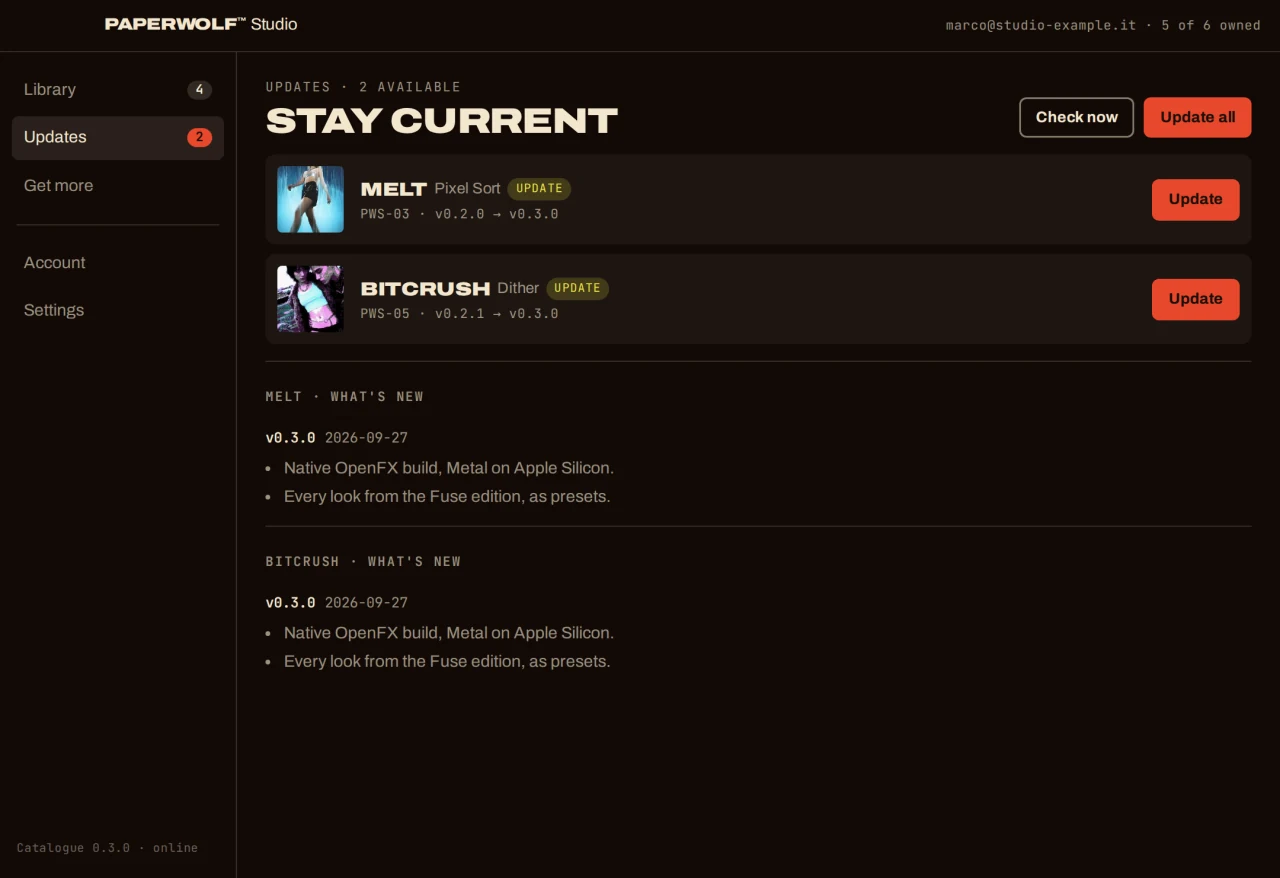
Install plugins, activate licences and manage updates.
Paperwolf
Studio.
Install plugins, activate licences and manage updates.






One app. Every plugin.
OPENFX / macOS







Getting started.
- 01
Install
Quit Resolve. Select a plugin in the Library and choose Install. Approve the macOS administrator prompt.
- 02
Open Resolve
Find your plugins in Effects → OpenFX → Paperwolf Studio. Without a licence they run as a free trial: every feature, with a watermark.
- 03
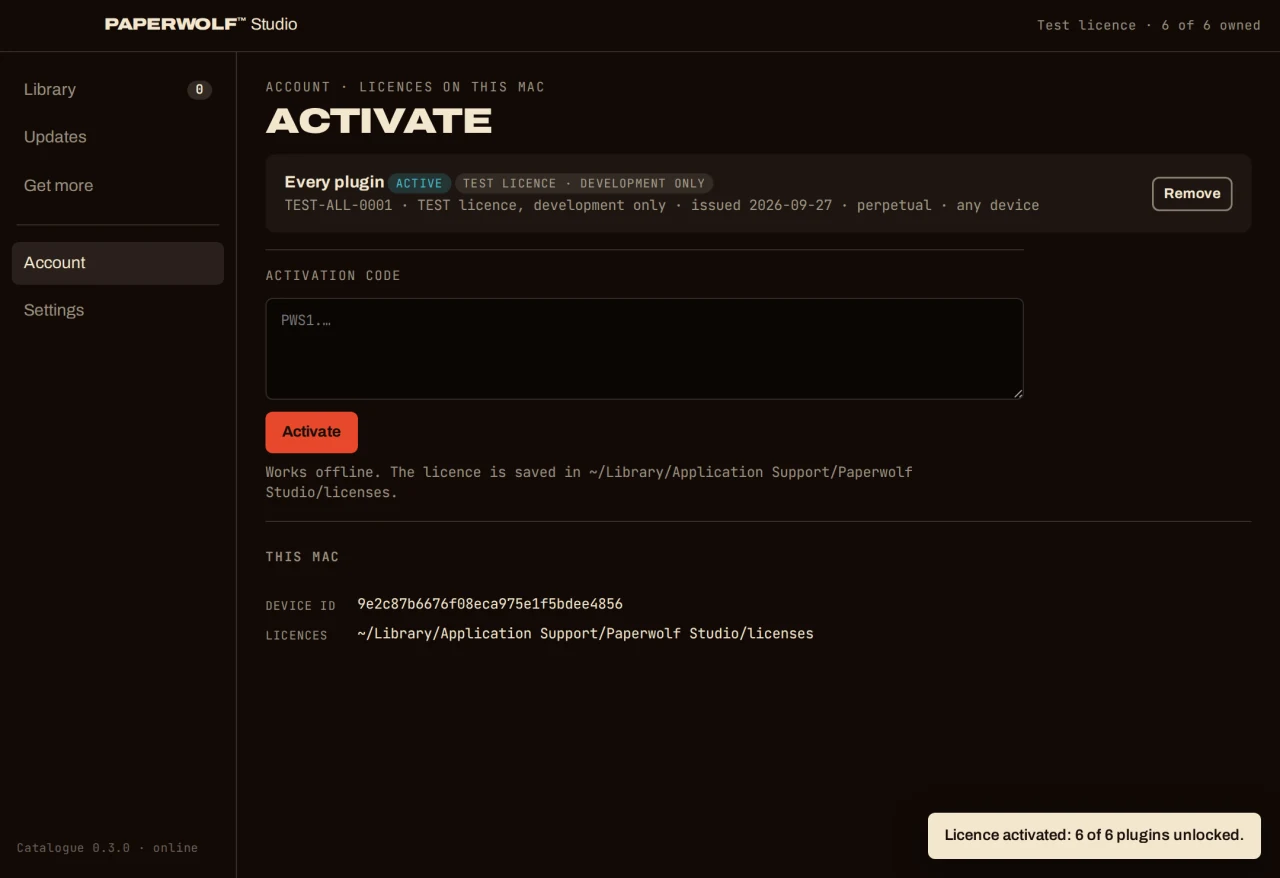
Activate
After purchase, paste your licence key into the app’s Account section. The app activates this Mac and the watermark disappears. Manage updates from the app.