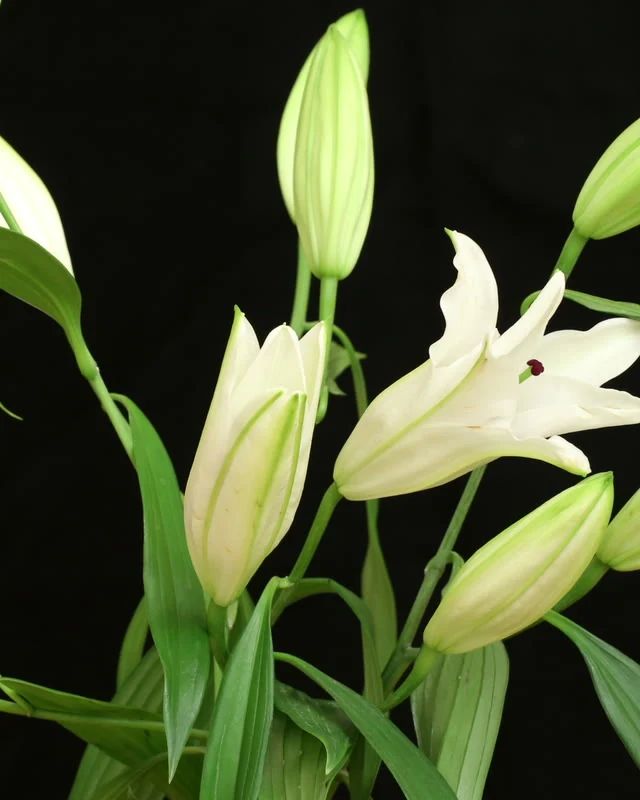
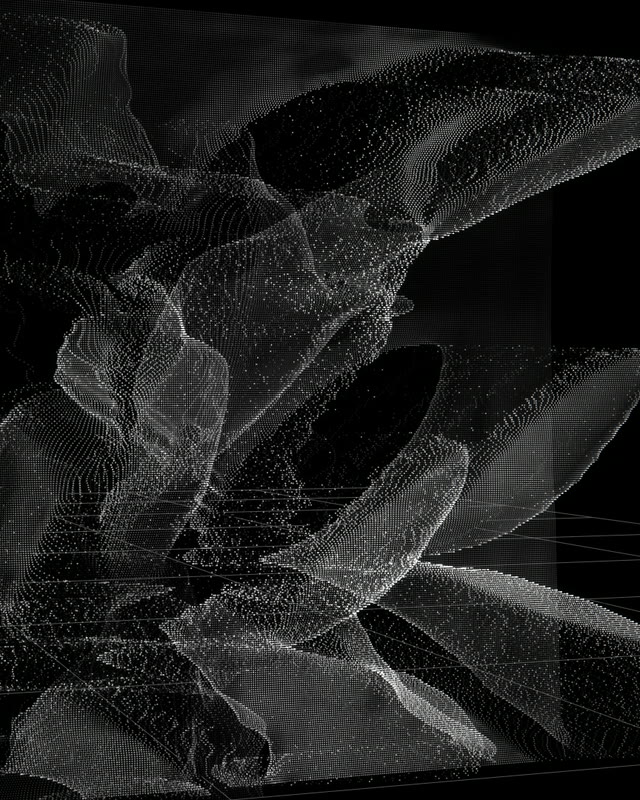
Points. Lines. Surfaces.
Build a soft point cloud, connect its dots, trace contour lines or give the image a wireframe, voxel or chrome surface. 13 styles let you change the structure itself. Start with one of 16 looks, each in Light, Standard and Heavy, then set the size and detail.
A camera of your own
Orbit a face, push into the scene, drift past it or use a dolly zoom. Set the move’s centre, amount and duration, or adjust yaw, pitch and distance yourself. Reveal carries the picture from the original framing into the 3D treatment; Mix With Original blends the images.
Colour and contrast
Keep the source colours, choose one solid colour or map brightness, nearness or heat to a palette of two to seven colours. Saturation and Lift Blacks bring dark points forward. Colour Levels reduces the palette further for hard, graphic tones; Highlight Tint and Depth Fade finish the separation.
Scan it. Scatter it.
Send a ping out from the subject or sweep a band of light through the scene. Set the front, tail, colours and timing. Blow Away and Assemble scatter or gather the image with wind, swirl and gravity; time echoes leave earlier moments suspended behind it.
Keep the shot around it
Apply the treatment to the whole image, the subject or the background. Keep the original footage behind it, choose a background colour or output transparency for compositing. Grid Floor sits behind the foreground; depth labels and a depth scale add graphic reference points.
Depth, ready to reuse
Analyse / Resume Clip prepares AI depth with a progress bar and frame count. Pause when needed, then continue from the prepared frames. The maps work across Fast, Balanced and Best and are saved with the Resolve project. Changing SONAR’s colour, camera or look keeps that preparation.