Camera
From a 1989 VHS-C camcorder to a 2009 pocket cam: tape, DV, digicams, webcams and a time-lapse security tape.

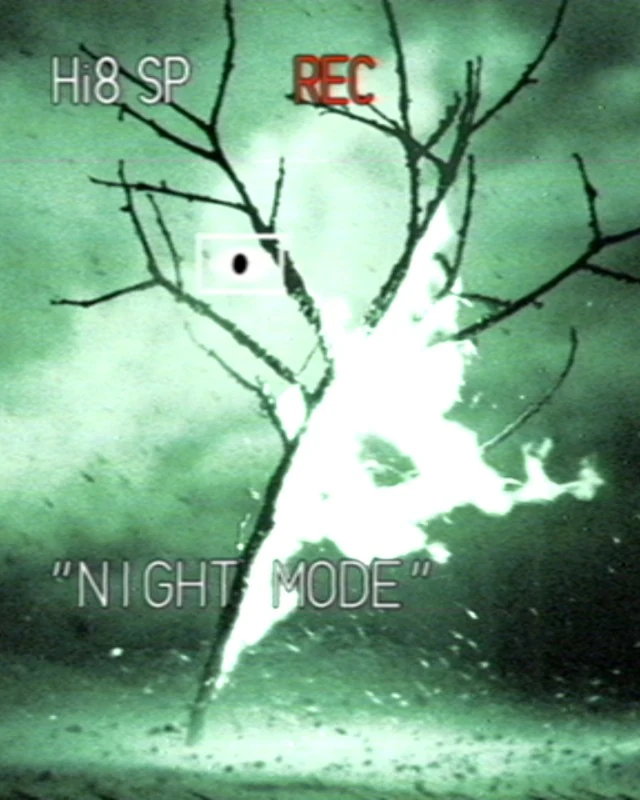 OriginalFOUND
Pick a Look, then an Intensity: Light, Standard or Heavy. Quality: Best for the final render, Balanced or Fast for smooth playback.
From a 1989 VHS-C camcorder to a 2009 pocket cam: tape, DV, digicams, webcams and a time-lapse security tape.
Control the sensor, tape and codec separately to build the camera’s character. Damage scales all the tape wear.
Date stamps traced from real frame grabs. Viewfinder indicators appear only in the looks that show a viewfinder.

Camcorder, VHS & digicam
| Host | DaVinci Resolve 20 or later |
|---|---|
| Pages | Edit · Cut · Color · Fusion |
| Platform | macOS · Apple Silicon (tested on M4) |
| Rendering | Metal / CPU |
| Installation | Paperwolf Studio app |
FOUND is a native OpenFX plugin. Its controls cover the camera, tape, digital codec and display, so the effect includes texture and signal behaviour as well as colour.
DaVinci Resolve 20 or later, on macOS. Check the system requirements before installing. View requirements
Use the plugins in Edit, Cut, Color and Fusion. Find them under Effects → OpenFX → Paperwolf Studio.
Install Paperwolf Studio, then install the plugins from the app’s Library. Quit Resolve before installation and reopen it when finished. After purchase, paste your licence key into the app’s Account section.
Lemon Squeezy, our merchant of record, handles checkout and payment and issues your licence key. The Studio app uses the key to activate your Mac.
You can buy a perpetual licence (2 computers, free updates forever) or subscribe to the Full Suite yearly or monthly. A subscription gives every Full Suite plugin and its updates while it runs; access ends when the subscription does.
Yes, with no time limit. Without a licence every plugin works fully, with a Paperwolf watermark on the image. Buying a licence removes the watermark.
To download, to activate, and at least once every 30 days so the Studio app can renew the licence in the background. The licence is tied to your Mac and the plugins check it offline. If a Mac stays offline longer, the plugins show the watermark until it reconnects.
Prices shown exclude VAT; it is calculated and added at checkout, handled by Lemon Squeezy. Except where the law provides otherwise, all sales are final: before checkout you ask for immediate access and acknowledge that this ends the right of withdrawal for digital content. So try everything first: the trial has every feature. Your rights if a product doesn’t work as described are not affected. Terms & Conditions.

FOUND / PAPERWOLF STUDIO