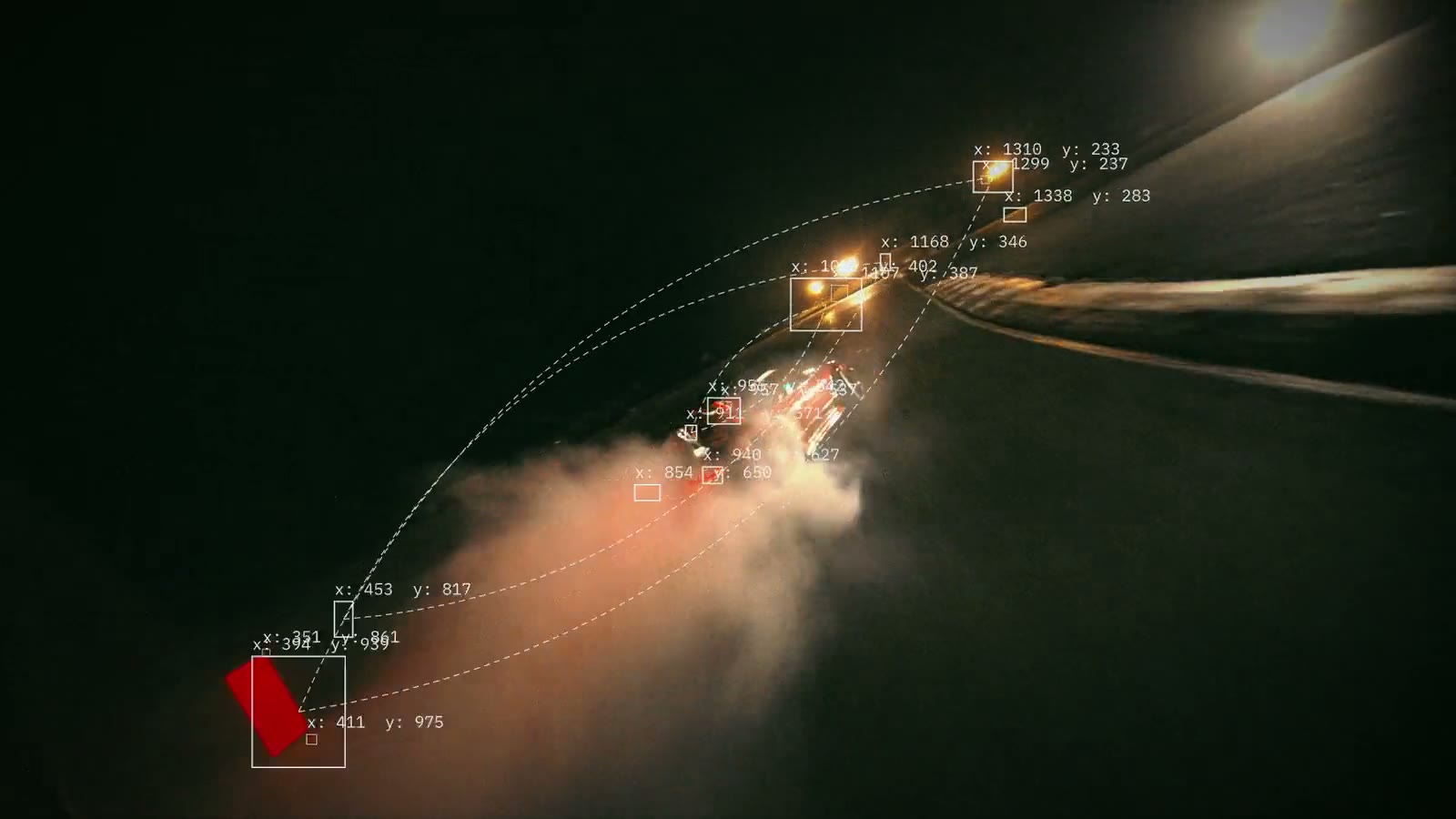
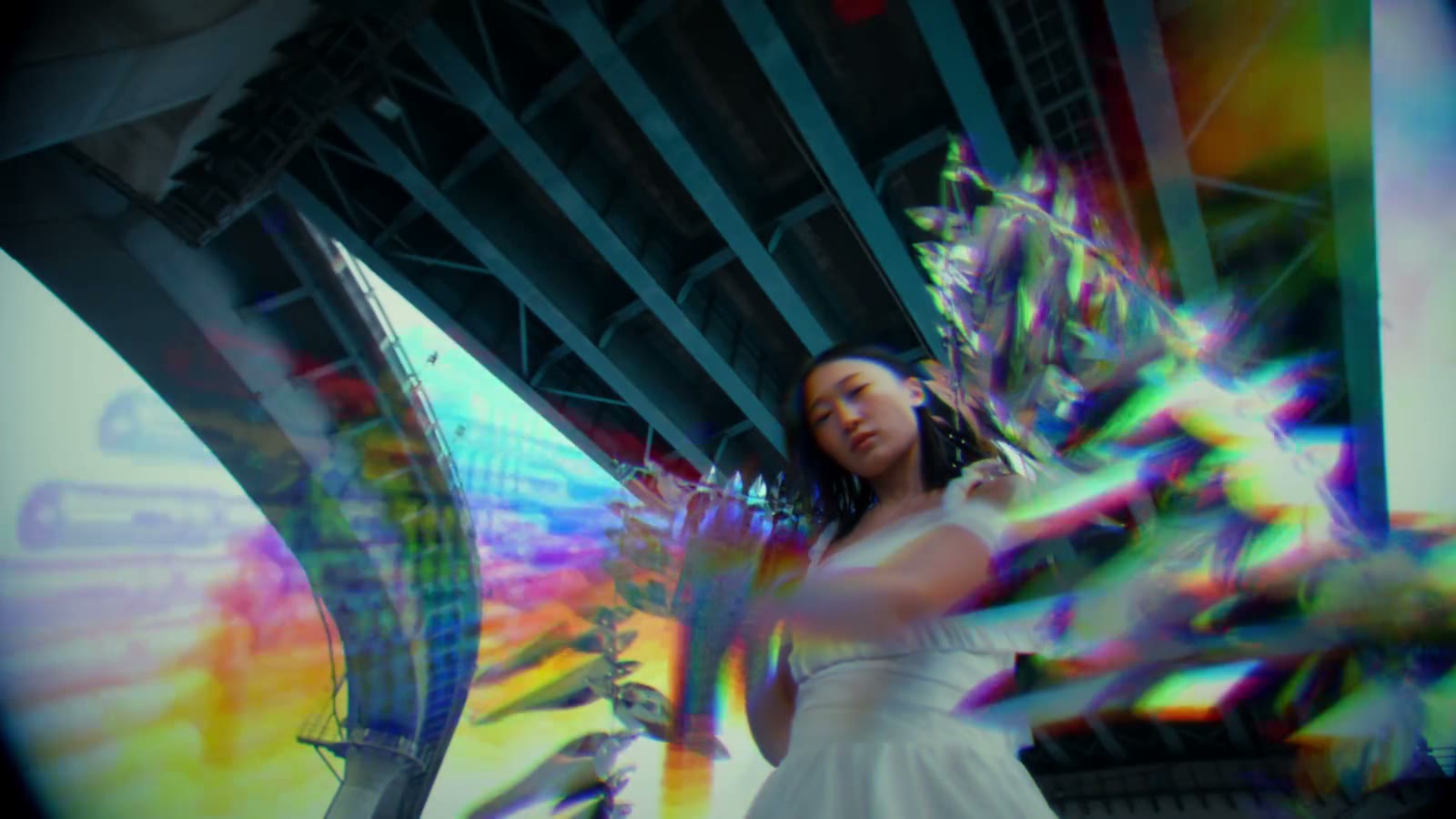
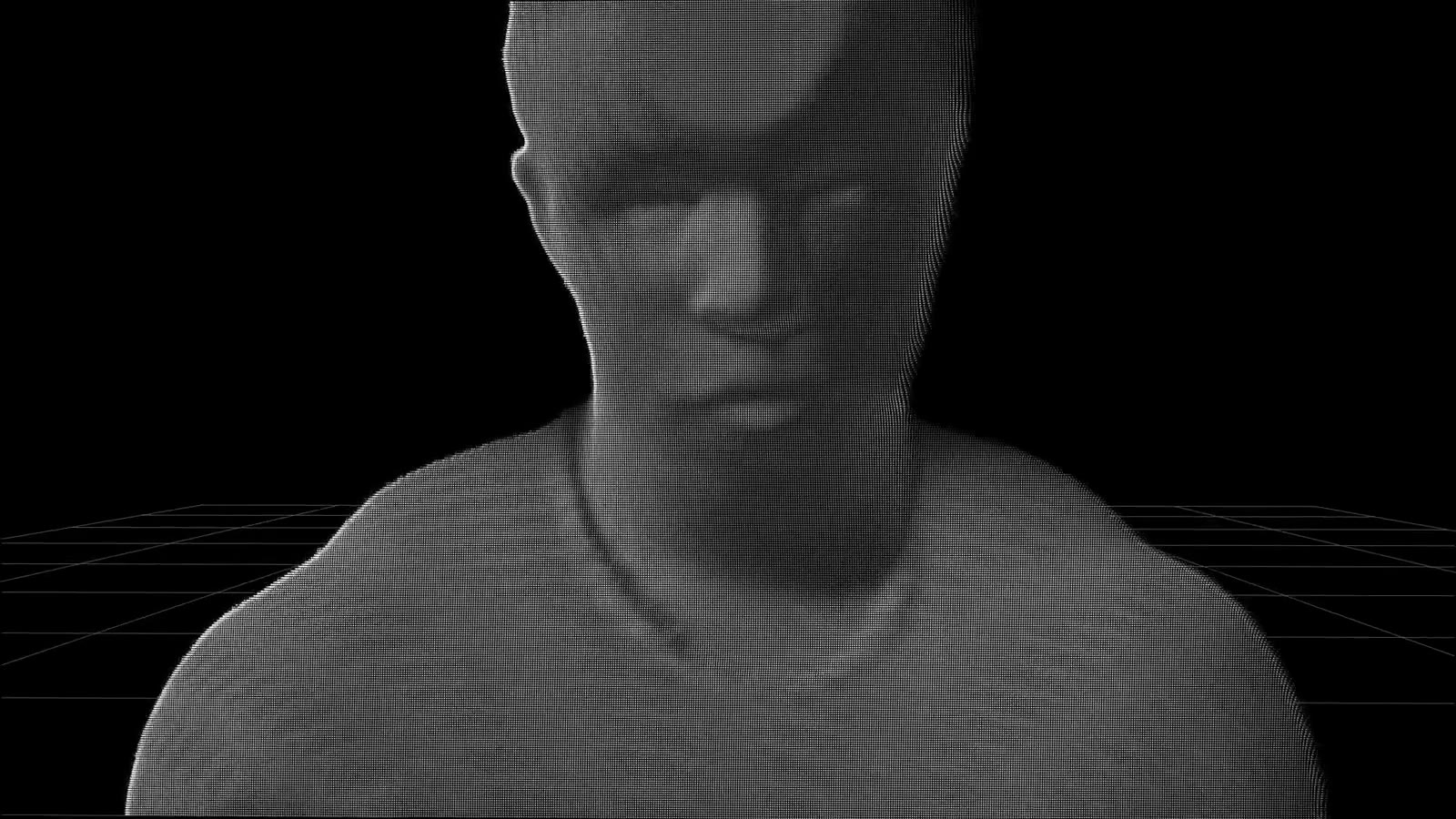
Put MELT on the clip
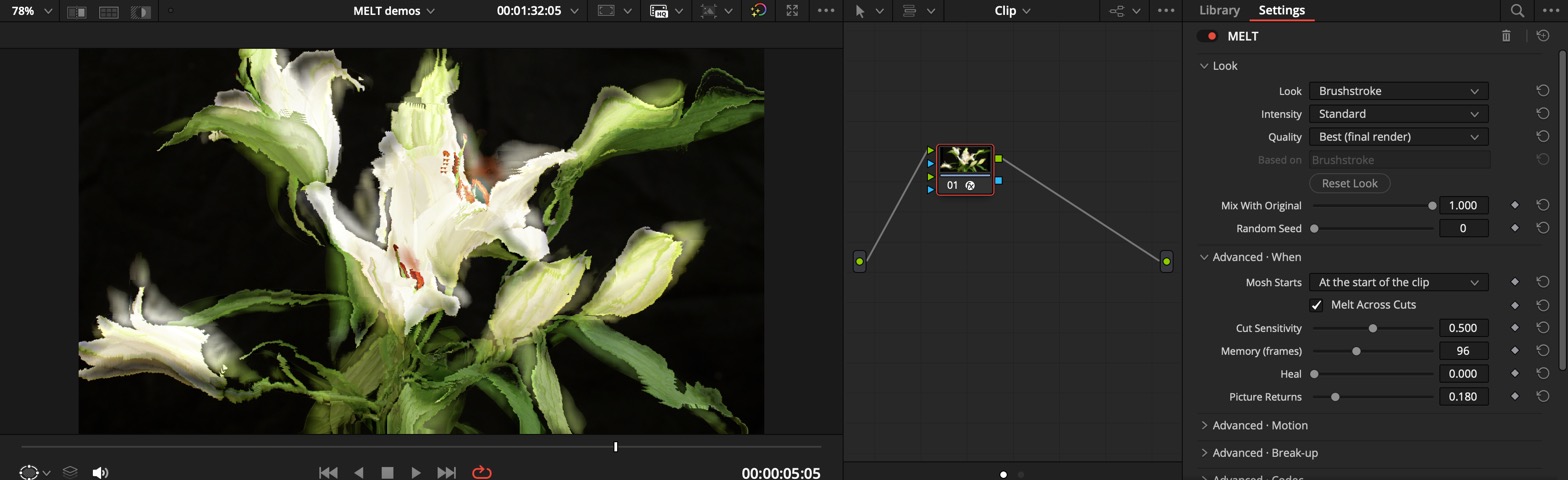
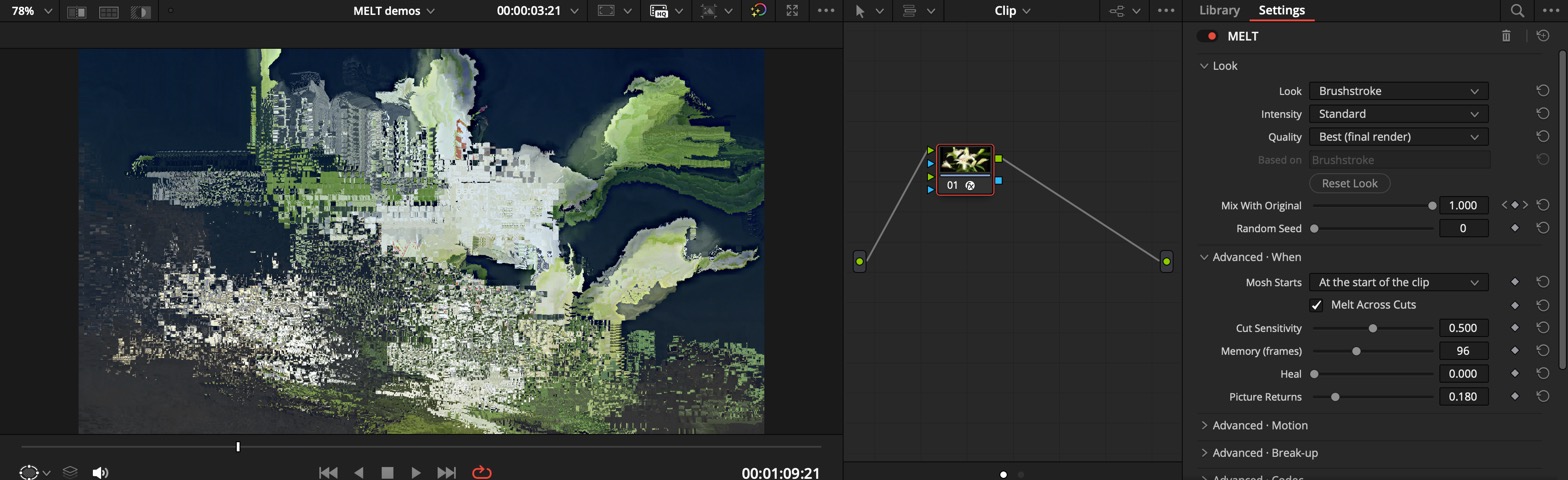
On the Color page, add a node to the clip, open Effects and drag MELT from Paperwolf Studio onto the node. The first frame of the clip is the last clean picture. From there every frame is built from the one before it, so play the clip from its start to watch the melt grow.
Pick a look
The Look menu has eleven looks. Every tile below is the same cut, white lilies into a sky, and the only thing that changes is the look.


Melt one clip
With no cut in it, a clip has only its own motion to melt with. Whatever moves pushes the first frame's picture around, and whatever stays still keeps it.
Intensity

In Look. Every look comes in three strengths. Light keeps the flowers readable under the melt, Heavy lets them go.
Look on one clip

Slow clouds are enough motion. Each look turns the same drifting sky into a different surface.
Motion Strength

In Advanced · Motion. How far each block moves per frame, relative to the motion MELT finds in the clip. Low values keep the shapes and smear their edges, high values tear the shapes apart.
Drift

The blocks flow on their own, in slow swirls, so a shot that barely moves melts too. Drift Size (px) sets how big the swirls are and Drift Lean sends them all one way.
Pull

Moving blocks also slide in one direction, a set number of pixels per frame. Pull Direction chooses the direction.
Picture Returns

In Advanced · When. The real picture's colours and shapes seep back every frame while the melted texture and the blocks stay on top. Raise it when the subject has to stay recognisable.
Heal

The real picture comes back in patches while the melt goes on. At 0 the melt never repairs itself.
Melt across a cut
A node only sees its own clip, so the two shots have to become one clip first. Once they are, the second shot never arrives as a clean picture. Its motion moves the first shot's picture instead, and its own colours only ghost in.
Make a compound clip
On the Edit page, select the clips, right-click and choose New Compound Clip. On the Color page the compound clip has one node graph, and MELT on that node sees the cuts inside it. Trim the compound clip so it begins where the melt should begin.
Melt Across Cuts

In Advanced · When, and on in every look. The melt starts on the lilies. At the first cut the sky's motion drags them, and at the second cut the dahlia pushes through what is left of the sky.
Look on a cut

The second shot's motion is the brush. Clouds drift evenly, so the lilies slide and break up as one mass. A shot with a person moving through it would tear them along that movement instead.
Memory (frames)

In Advanced · When. How long the old picture lingers. MELT renews its memory every this many frames and hands over softly, so nothing snaps back. At 16 the sky is clean again within a second. At 96 the lilies are still in it two seconds after the cut.
How the picture breaks
The controls in Advanced · Break-up add damage that a plain melt does not have.
Shards

The picture cracks into glass shards along straight lines and each shard jumps its own way, up to this many pixels. Shard Count and New Cracks Every (frames) appear once it is above 0.
Drip

Columns of pixels run down like wet paint, each at its own speed. Drip Width (px) sets how wide the columns are.
Holes

The melt punches holes where the picture moves. They open in small blocks, travel with the picture and close slowly. Keep Hole Growth low, around 0.05, or the holes join up and take the whole frame.
Hole Fill

What shows through the holes. Clean picture lets the new shot break through the old one. Negative fills them with the new shot inverted.
The codec
MELT is built like a video decoder that has lost its keyframe, and Advanced · Codec holds the decoder's own settings.
Block Size

The macroblock: what moves together. Small blocks follow the motion closely and give a fine, grainy melt. Large blocks move in slabs.
Bitstream Errors

A damaged stream. Blocks burst into saturated colour, stripes and slipped pieces, and the damage moves on with the picture.
Colour Errors

Each block's colour wanders a little every frame and keeps the error, which builds into pastel blotches.
Where it melts
Melt Where

In Advanced · Where. Keeps the melt to one part of the frame and leaves the rest clean. There are ten zones, from the subject found by macOS to bright, dark, detailed or flat areas and patches that drift on their own.
Blend

How the melt meets the picture. Screen gives a light ghost over the new shot. Difference and Negative turn the melt into negative trails.
Output

Motion vectors shows the motion MELT applies to each block, with colour for direction and brightness for length. It is the quickest way to see what a shot will do to a melt before you commit to it.
Finish
Colour Split (px)

In Advanced · Finish. Pulls the melt's red and blue apart. The clean picture is not touched.
Posterise

The melt in fewer levels, as flat bands of colour.
Melt Saturation

The melt's colour, weaker or stronger, while the clean picture stays as it is.
Mirror

Folds the picture about its middle, so one half melts next to its own mirror image.
Mix With Original

In Look. Blends the melt back into the untouched clip.
FAQ
Do I need to export AVI files and delete keyframes?
No. MELT does the datamosh inside DaVinci Resolve, on the GPU, so there is no ffmpeg or Avidemux round trip and no broken file to import. The same frame always renders the same.
Does MELT work in the free version of DaVinci Resolve?
Yes, in the free version and in Studio, on macOS.
Can I datamosh a single clip with no cut?
Yes. Put MELT on the clip and it melts on its own motion from the first frame. Drift makes a nearly still shot melt too.
Why does a melt look different when I jump to the middle of a clip?
Every frame of a melt depends on the frames before it. Jump into a part you have not played and MELT shows a melt as developed as it would be there, built from a short run of frames. Play through it and you get the same picture the final render has.
Is MELT a transition?
It is an effect, so it is not in the Transitions list. To melt a cut on the Color page, put both shots in a compound clip and put MELT on that clip's node.
Get MELT
MELT has eleven looks, each in three strengths, and 62 controls under them. The trial has every feature with a watermark and no time limit, so you can try it on your own footage first.