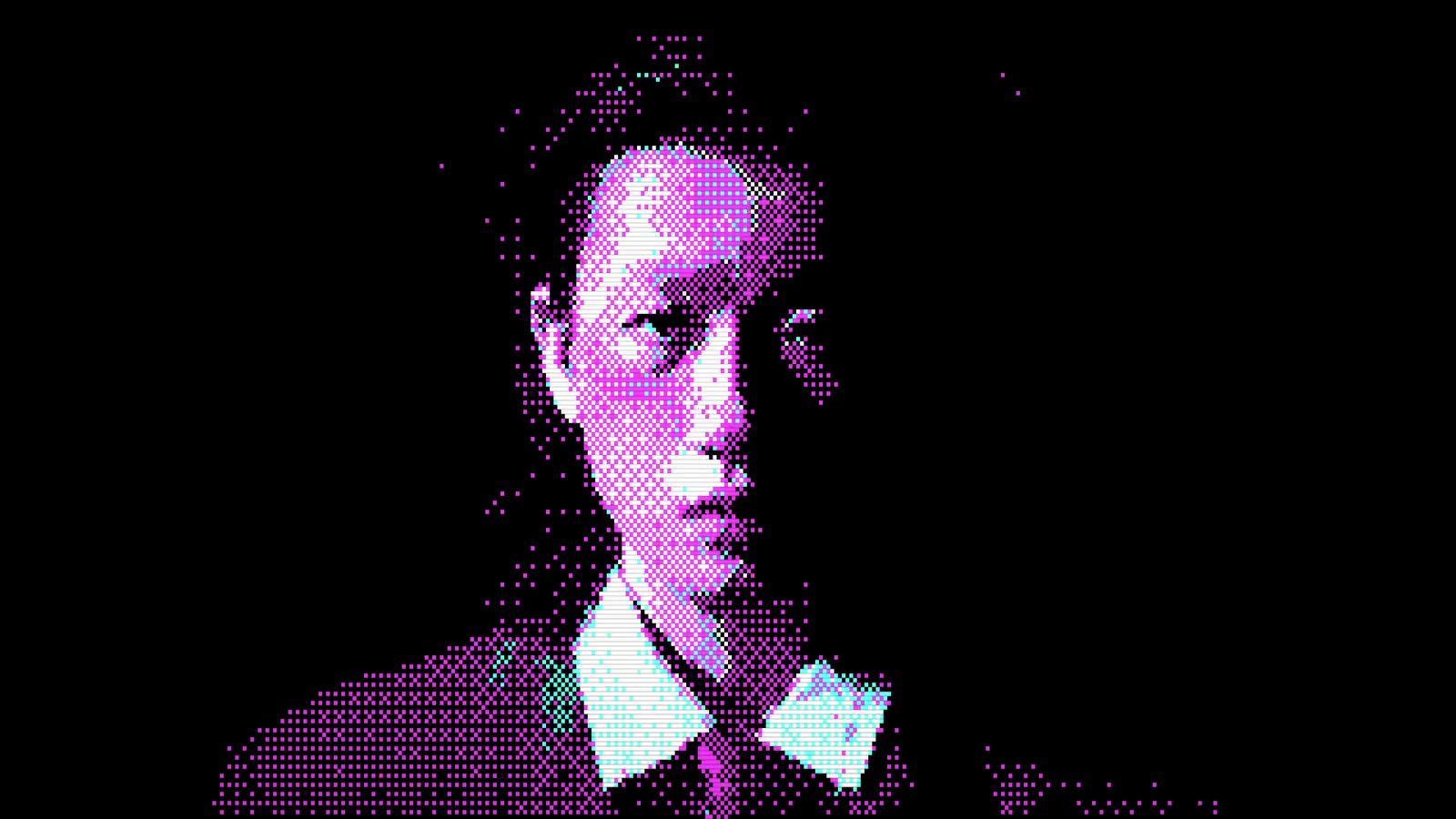
Put SONAR on the clip
On the Color page, add a node to the clip, open Effects and drag SONAR from Paperwolf Studio onto the node. Open Analysis and press Analyse / Resume Clip: SONAR works out the depth of the whole clip once and stores it in the effect, so playback reads it back. The depth is computed on your Mac and nothing leaves it.
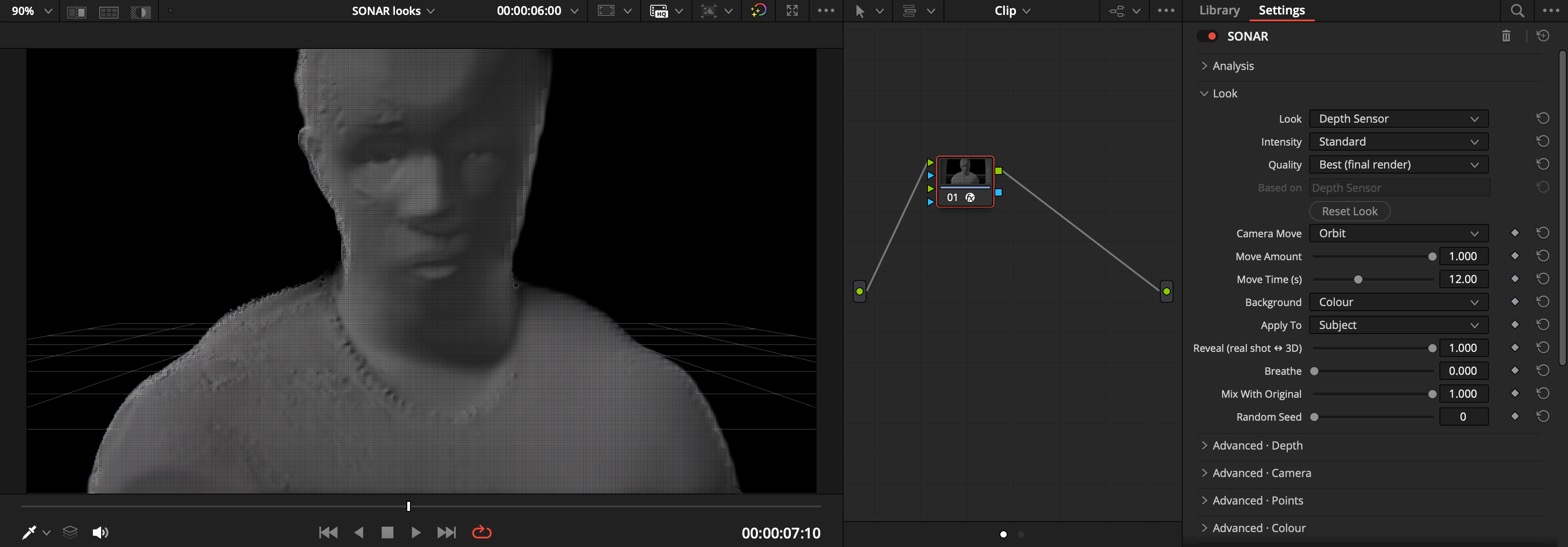
Pick a look
The Look menu has sixteen looks. A look sets how the scene is drawn and how the camera moves, and never the depth, so the analysis stays valid while you try them.


The real shot and the 3D scene
These examples start from Depth Sensor, a fine lattice of points lit like plaster, with the camera parked so only one thing moves at a time.
Reveal

In Look. At 0 you see the shot as it was filmed. At 1 you see the 3D scene. In between, the picture comes apart into its points.
Background

What sits behind the points: a flat colour, the original footage, or nothing, so the scene can go over another clip.
Apply To

Which part of the shot becomes points. With Subject the person or the main object is scanned and the rest stays as filmed.
Depth
Depth

In Advanced · Depth. How far the scene stretches away from the camera. At 0 it is a flat sheet. Higher values pull the near things forward and push the background back.
Depth Curve

Where the stretch happens: spread evenly, bunched towards the subject or bunched towards the background.
Edge Cut

At the edge of a near thing the depth jumps to whatever is behind it. Edge Cut removes the points that would bridge that jump, so a subject stands clear of its background instead of trailing a skirt of points.
Show Depth Map

Shows the depth SONAR is using: white is near, black is far.
The camera
Camera Move

In Look. A move that plays by itself, with no keyframes. Move Time (s) sets how long one pass takes.
Move Amount

How far the move goes. Negative values run it the other way.
Yaw

In Advanced · Camera. Turns the camera around the scene by hand. Show Camera Controls puts the same control in the viewer.
Pitch

Looks at the scene from above or from below.
Distance

Moves the camera into the scene or away from it.
Field of View

A wider or a longer lens on the virtual camera. Wide exaggerates the depth, long flattens it.
Points
Style

In Advanced · Points. What the scene is made of. There are thirteen styles, and the rows under the menu change with the style: lines have a count, a mesh has a detail, voxels have a size.
Density

How many points the scene is drawn with. The same density gives the same picture at 1080p, at UHD and on a proxy.
Point Size

The size of one point. Large points overlap and close the surface.
Size by Depth

At 0 every point keeps its size, so detail stays sharp at every depth. At 1 near points grow and far points shrink.
Flying Pixels

Faint points streak from the edges of near things toward what is behind them, like the stray pixels of a real depth sensor.
Scan Bands

Bright bands that travel through the scene, across the rows of the picture or through its depth.
Lines, contours and surfaces
Lines

With Style on Row Lines, the number of lines the scene is drawn with.
Luma Height

Lifts each line where the picture is bright, so the lines also trace the light of the shot and not only its depth.
Contour Spacing

With Contour, the distance in depth between one contour line and the next, as on a map.
Mesh Detail

With Mesh, the size of the triangles of the surface. Small triangles follow every fold, large ones give a faceted relief.
Voxels Across

With Voxel, how many cubes fit across the frame.
Colour and light
Colour

In Advanced · Colour. Points in one colour, in the colours of the footage, or through a gradient of up to seven colours.
Map By

What the gradient follows: the brightness of the shot, how near each point is, or a heat scale.
Surface Light

In Advanced · Points. Lights the points by the shape of the depth surface, like a plaster cast, instead of only by the footage's colour.
Light Angle

Where that light comes from on screen.
Breathe

In Look. A slow swell of the scene's depth, so a still shot does not sit dead.
Mix With Original

Blends the scene back into the untouched clip.
FAQ
Do I need a depth camera, a Kinect or another app?
No. SONAR measures depth from ordinary footage, inside DaVinci Resolve, on Apple Silicon. You do not need a depth sensor, TouchDesigner or a 3D package.
Does SONAR work in the free version of DaVinci Resolve?
Yes, in the free version and in Studio, on macOS.
Does my footage leave my computer?
No. The depth is computed on the Mac and stored in the effect, inside your project.
Do I have to analyse the clip?
No, you can play straight away and SONAR works the depth out as it plays, more slowly. Analysing first gives steady depth for the whole clip and faster playback.
What if I change the clip after analysing it?
After you retime the clip, replace it or change an effect before SONAR, press Clear Analysis and analyse again.
Can I keyframe the camera?
Yes. Every slider has a keyframe button on the Color page, so the camera can be animated by hand instead of using Camera Move.
Get SONAR
SONAR has sixteen looks, thirteen ways of drawing a scene and more than 200 controls under them. The trial has every feature with a watermark and no time limit, so you can try it on your own footage first.