Real paper
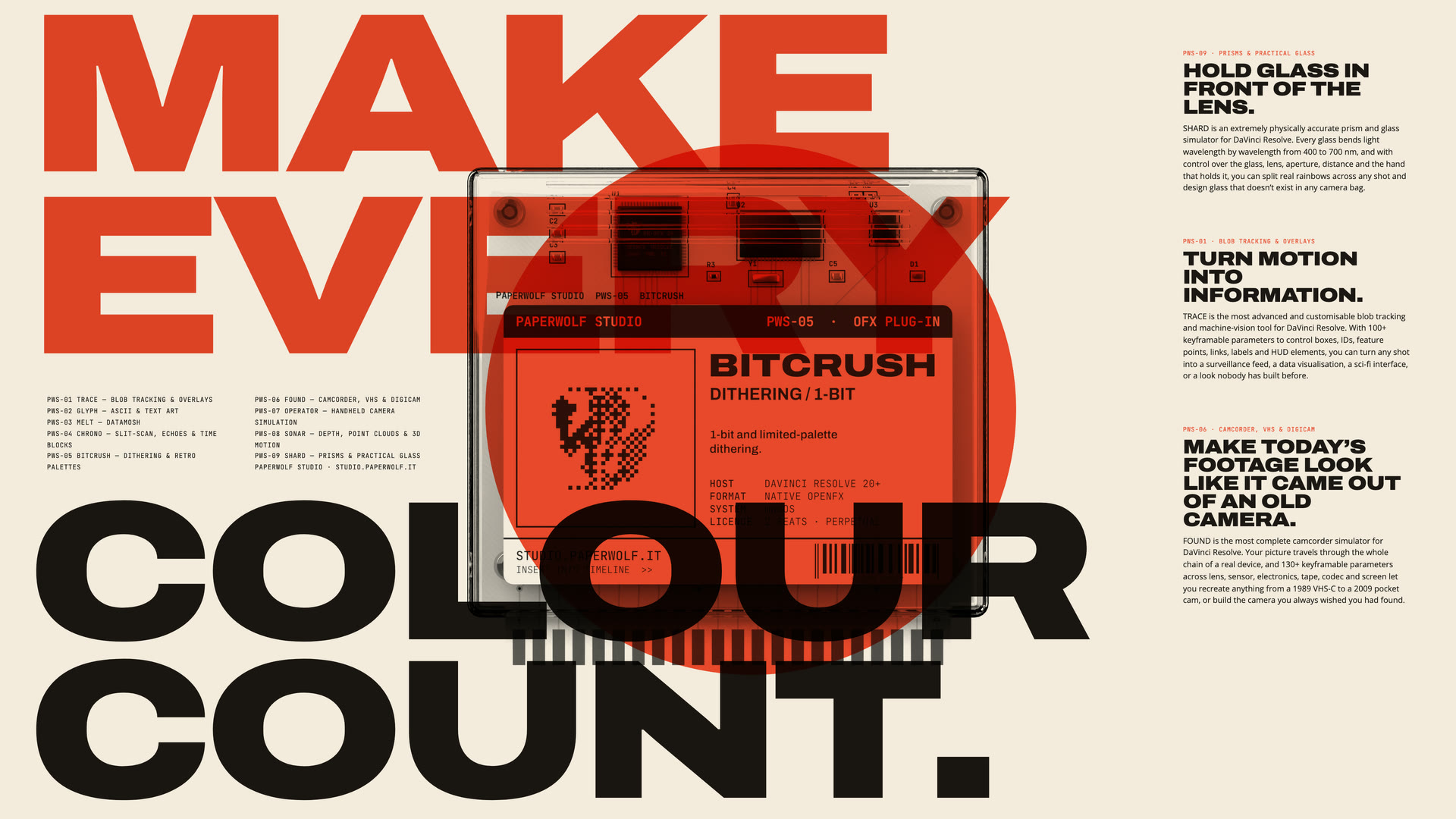
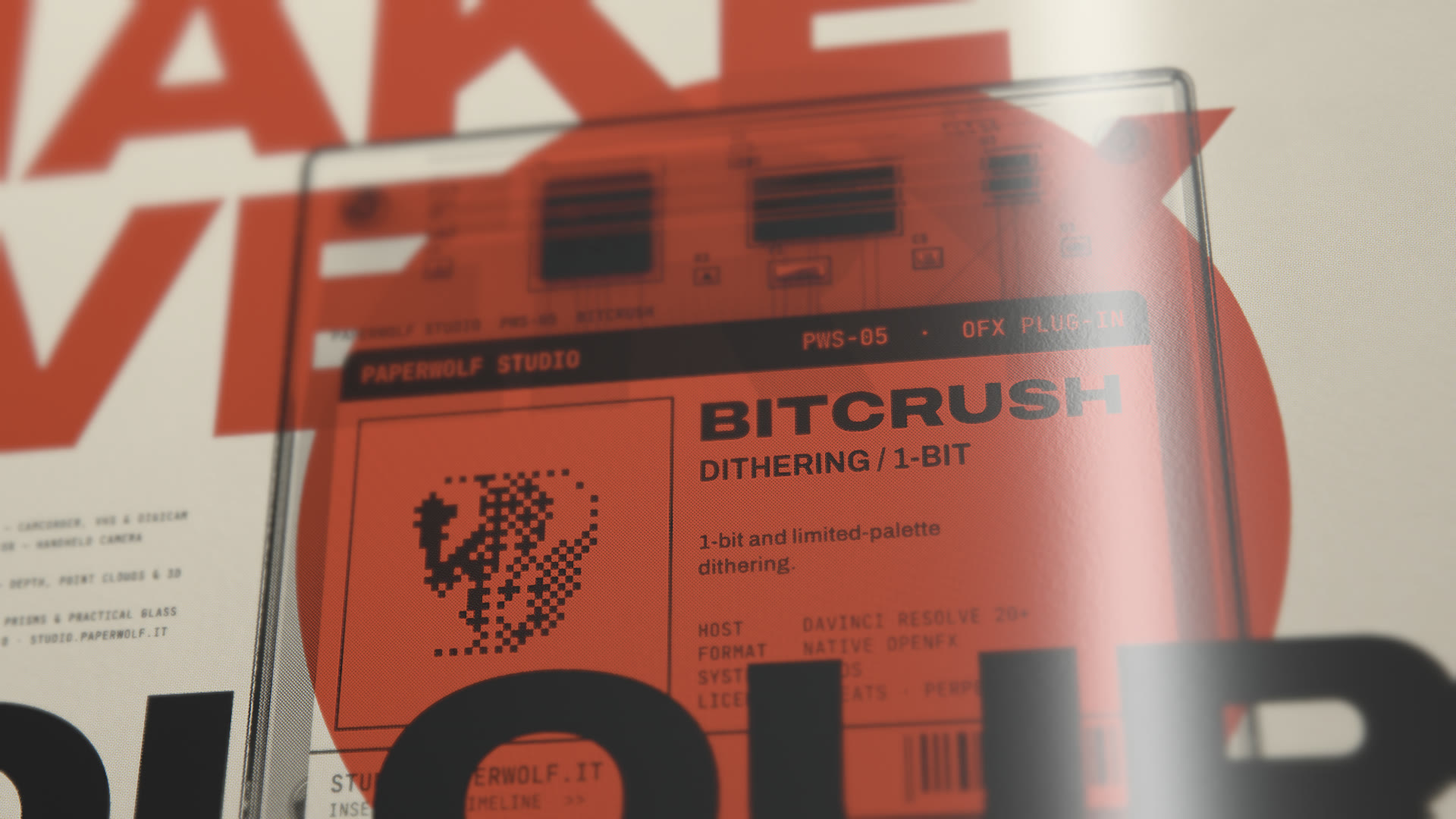
Twelve print looks on real paper scans, with halftone dots, toner and ink that stay on the page through every move.
 OriginalEXHIBIT
Twelve print looks on real paper scans, with halftone dots, toner and ink that stay on the page through every move.
Screen recordings filmed on a laptop, a phone or an old monitor, close enough to see the pixels.
Shallow depth of field, a 180-degree shutter, vignetting and smooth moves timed to the clip, or along a path you draw in the viewer.

Camera Move picks how the camera travels over the page, always with a smooth start and a smooth stop.

Zoom moves the camera closer to the page, down to the dots of the print and the grain of the paper.

Angle tilts the page away from the lens, so the focus falls off across the sheet as it would on a real macro shot.

Print sets how much character the ink has, from a clean print to dots that spread, break and soak into the paper.

Each print look is a different paper and a different printer: newsprint fibre, yellowed stock, a folded broadsheet, matte magazine paper, office toner, one stencil ink.

The screen looks put the picture on a display: the pixel stripes of a laptop, the diamond subpixels of a phone OLED, the grid of an old monitor, all visible as the camera closes in.

Light sets how low the key light rakes across the page: the lower it gets, the more the fibre, the crumples and the folds stand out.

Depth of Field sets how shallow the focus is, from the whole sheet sharp to a thin band in focus with the rest of the page falling away.

Paper sets how much of the stock shows, from a smooth flat sheet to fibre, mottle, flecks and crumples twice as strong as the look's.

EXHIBIT / PAPERWOLF STUDIO
Hi, I'm Lupo, Paperwolf Studio's AI assistant. I can make mistakes. Refunds, licence problems and payments are handled by the team personally. I'll never ask for passwords, licence keys or card numbers, so please don't share them here.
Privacy policyAI assistant · can make mistakes