Eighteen pieces of glass.
Prisms, faceted filters, plates, textured panes, mirrors and a glass ball, each one bending the shot the way the real piece of glass would.
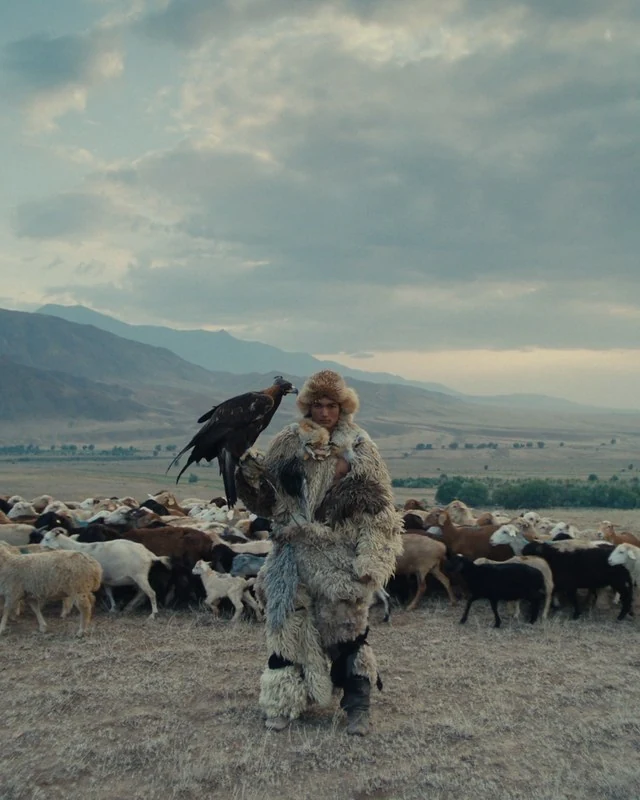
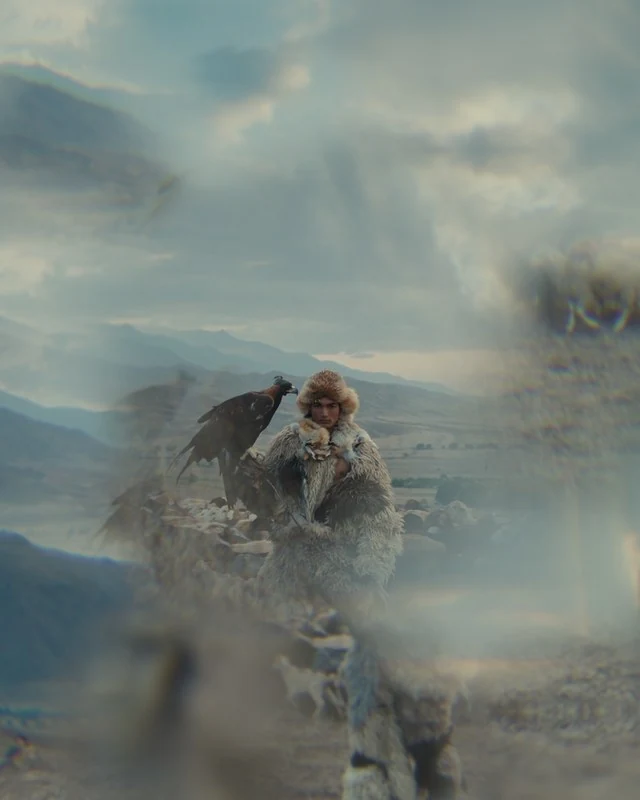 OriginalSHARD
Every look is only a starting point. Pick one, choose an Intensity (Light, Standard or Heavy), then shape it into a look of your own with 30+ keyframable parameters.
Prisms, faceted filters, plates, textured panes, mirrors and a glass ball, each one bending the shot the way the real piece of glass would.
Every glass splits light wavelength by wavelength, from 400 to 700 nm, so the colour shows up where a real prism throws it: strongest on the bright parts of the shot.
Thirteen hands, from locked on a stand to breathing, floating or frenzy, and the jumps can land on the beat of your music.


On the ball, how big it is in the frame.

Denser glass bends more and throws wider rainbows, so Lead Glass splits the light at the rim of the ball further than Crown Glass does.

How many shards there are.

How dirty the glass is: a soft haze over everything seen through it.

Mirror World continues your own picture past its edges.

How hard the glass bends light.

SHARD treats the clip as a shot taken through a lens with the glass held in front of it.

Glass held against the lens melts into the picture.

The lens the shot looks like it was taken with, as a full-frame equivalent.

More guides
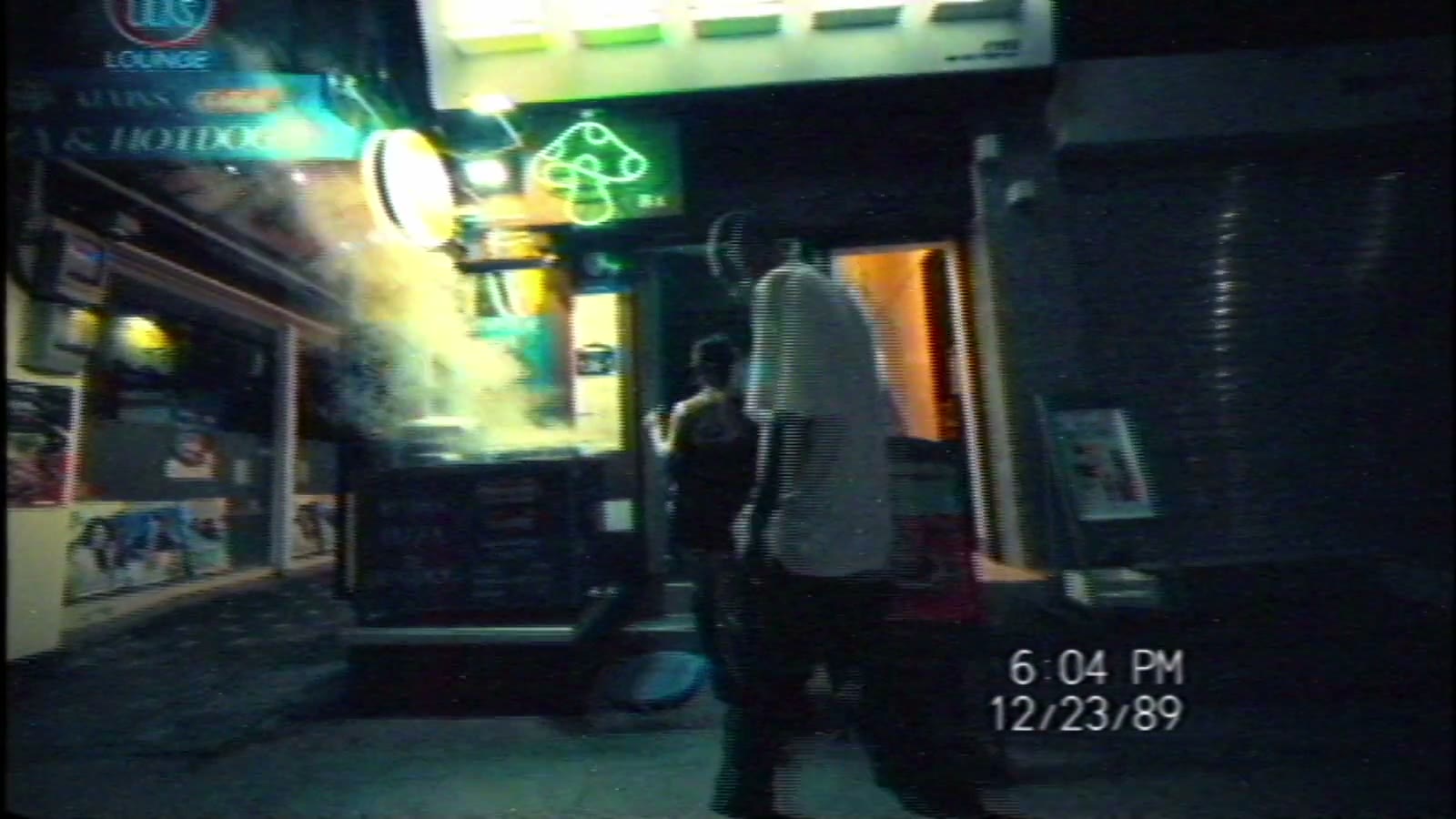 FOUNDHow to get the camcorder and VHS look in DaVinci Resolve
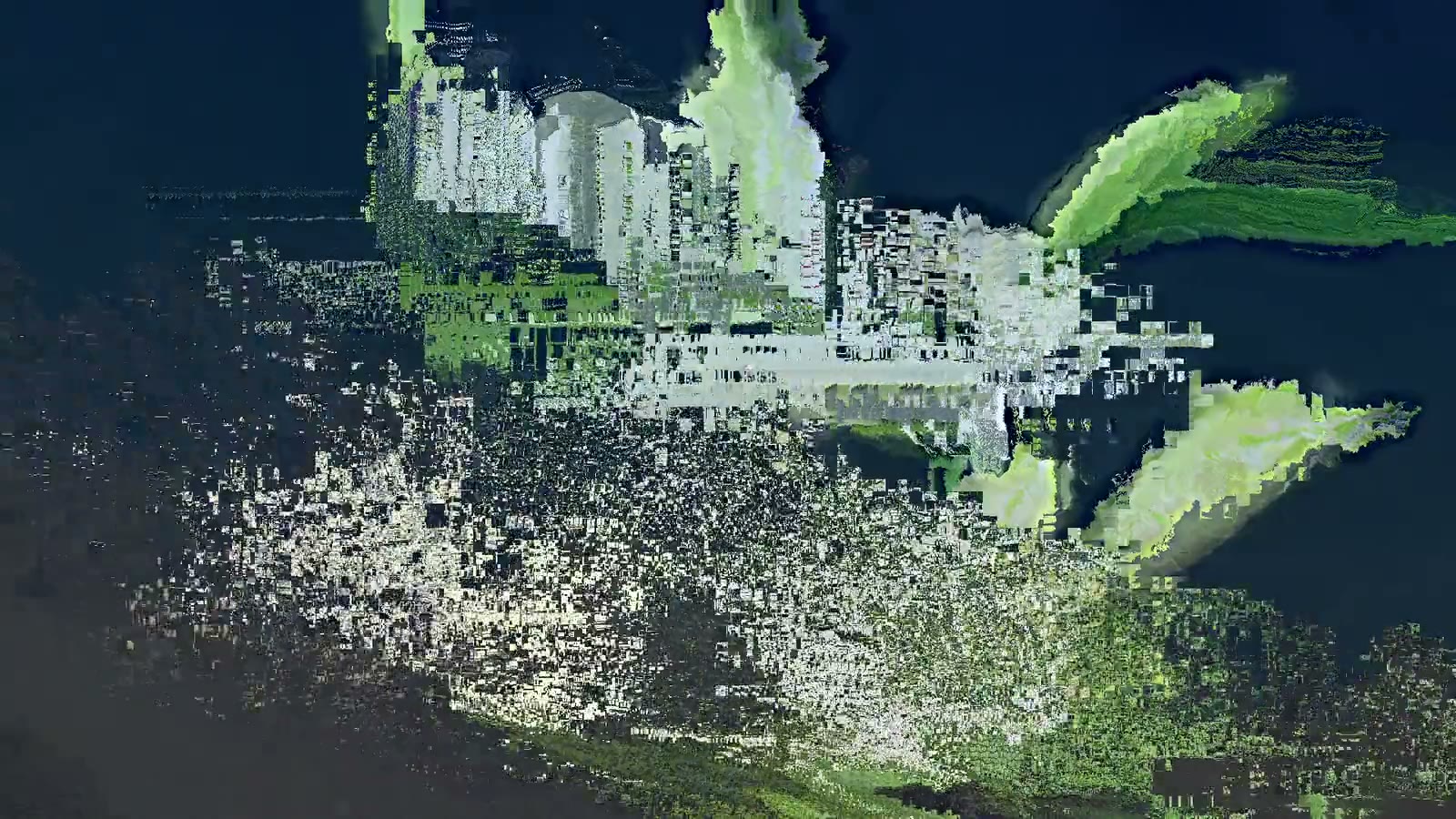 MELTHow to datamosh in DaVinci Resolve
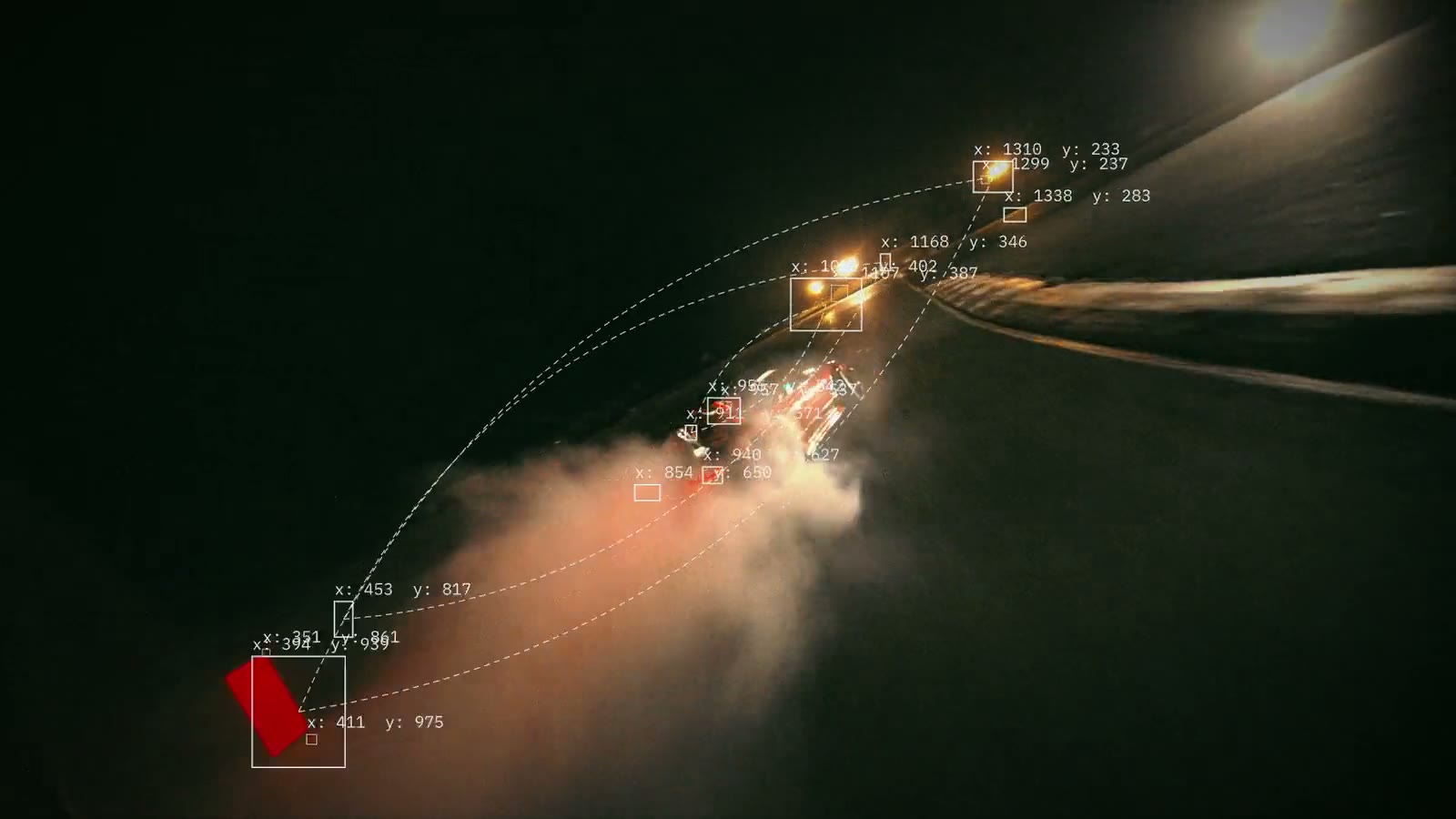 TRACEHow to make the viral blob tracking effect in DaVinci Resolve
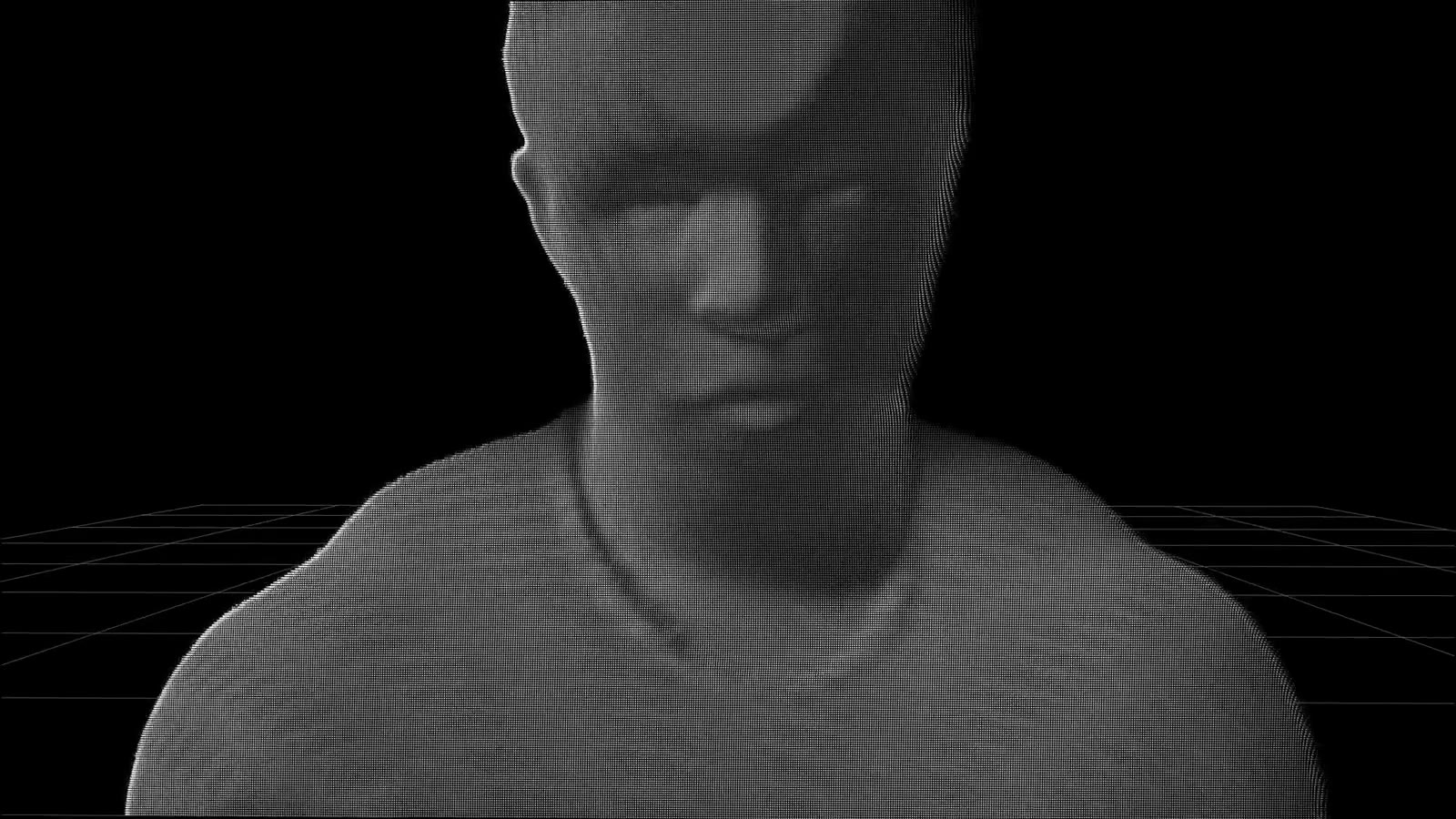 SONARHow to turn a shot into a 3D point cloud in DaVinci Resolve
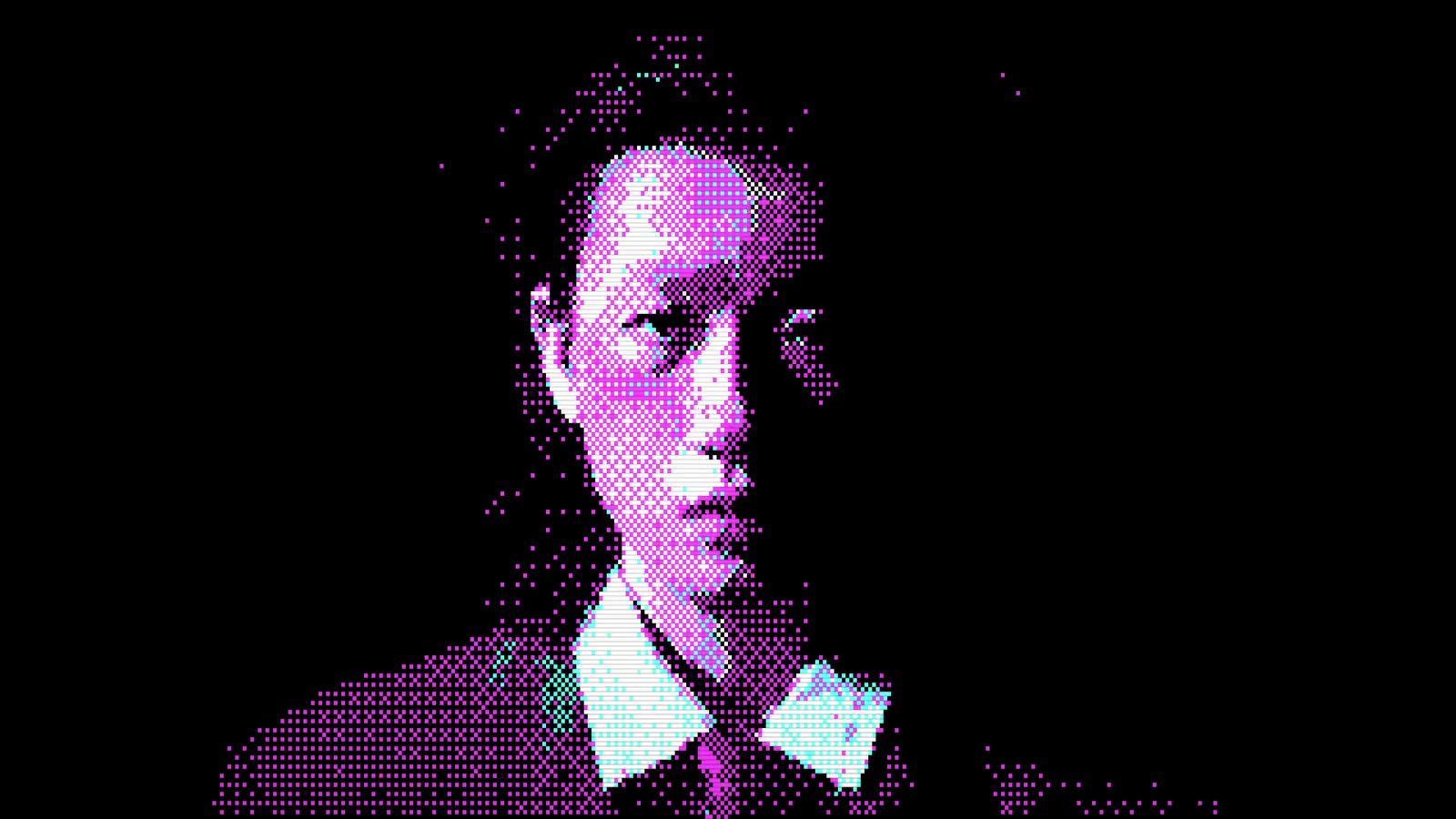 BITCRUSHHow to get the look of old consoles, computers and prints in DaVinci Resolve
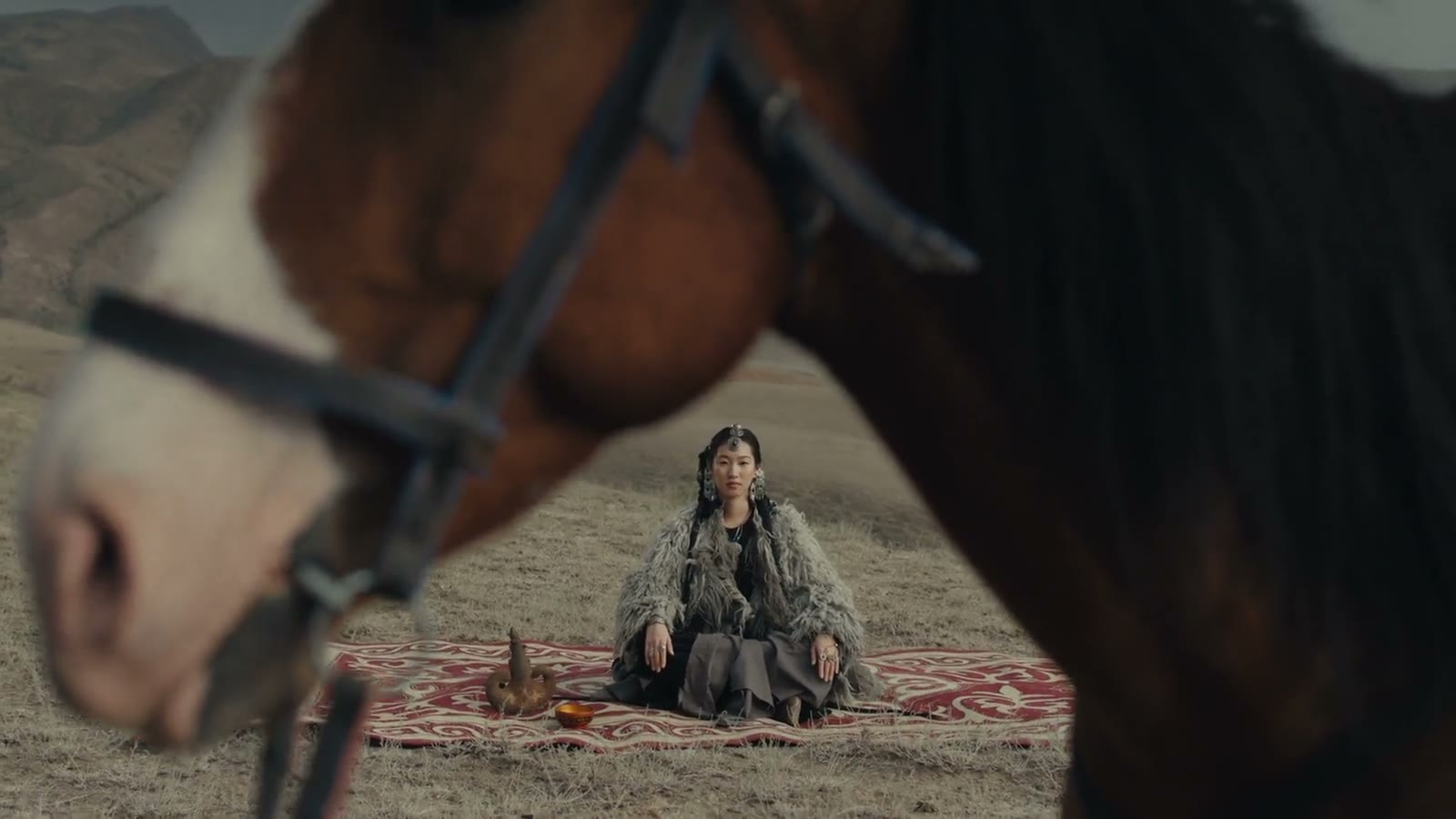 OPERATORHow to make a locked-off tripod shot look handheld in DaVinci Resolve
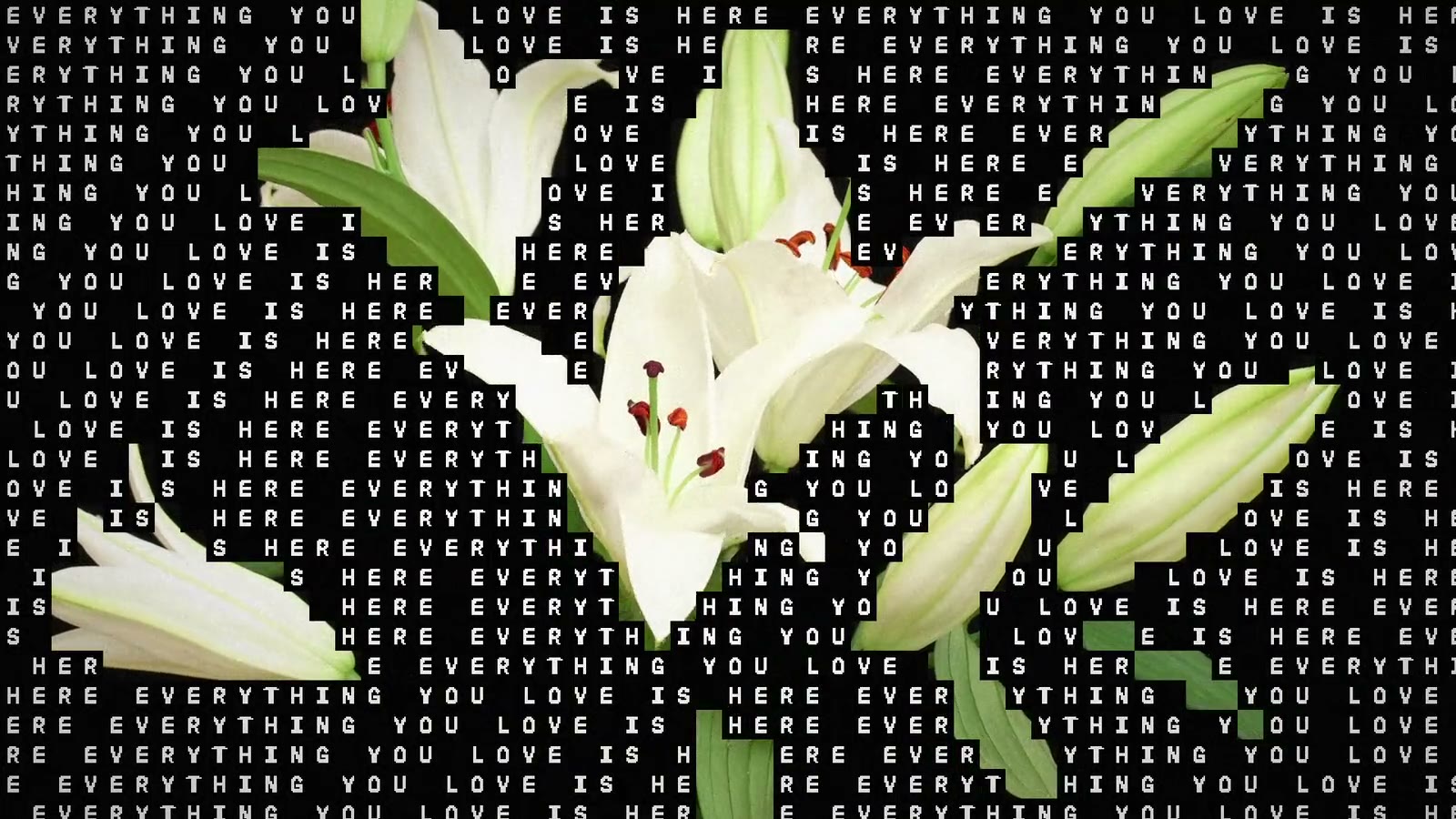 GLYPHHow to make the ASCII art video effect in DaVinci Resolve
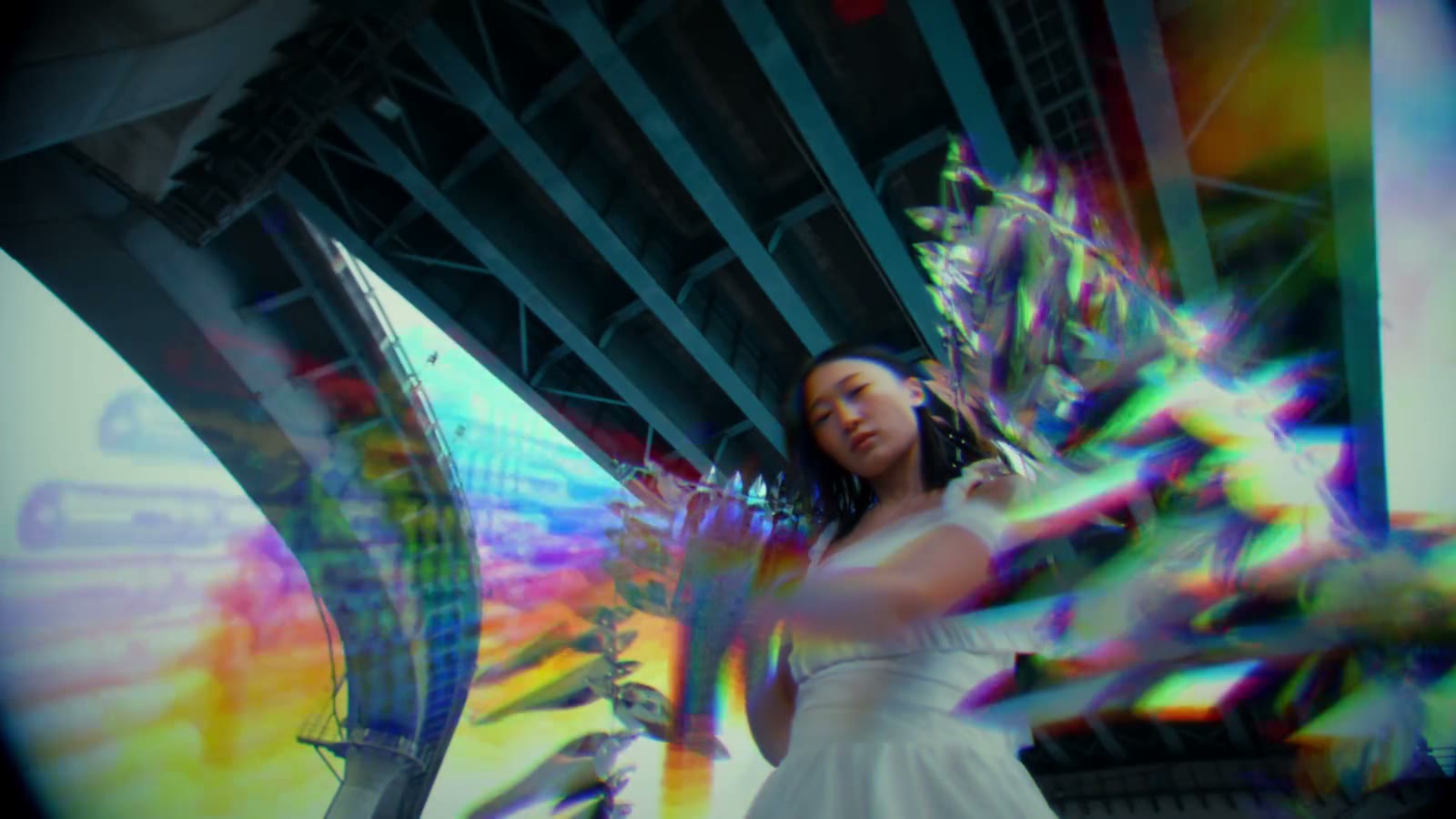 CHRONOHow to make slit-scan, echo and time effects in DaVinci Resolve
SHARD models a piece of glass a few centimetres in front of a real lens, in scene-linear light. The glass edge is as soft as the aperture and distance make it, what the glass bends into view comes from outside the frame, and colour splits where the light bends.
In Effects → OpenFX → Paperwolf Studio → SHARD, on the Edit, Cut and Color pages. Drag it onto a clip or onto a node on the Color page, then pick a Look and an Intensity.
Footage Is: set it to your timeline’s colour space, so lamps keep their real brightness inside the glass. Then move the glass with the Position diamond and the Angle handle in the viewer (turn on the OpenFX overlay).
Yes. On a vertical clip in a 16:9 timeline, or any clip smaller than the frame, SHARD finds the clip inside the frame and puts the glass on it. The padding passes through untouched.
Yes. SHARD is €39 excl. VAT on its own, and is included in the Full Suite and its yearly and monthly subscriptions. It is not part of the Analog, Glitch or Camera packs.
Install Paperwolf Studio, then install the plugins from the app’s Library. Quit Resolve before installation and reopen it when finished. After purchase, paste your licence key into the app’s Account section.
Lemon Squeezy, our merchant of record, handles checkout and payment and issues your licence key. The Studio app uses the key to activate your Mac.
You can buy a perpetual licence (2 computers, free updates forever) or subscribe to the Full Suite yearly or monthly. A subscription gives every Full Suite plugin and its updates while it runs; access ends when the subscription does.
Yes, with no time limit. Without a licence every plugin works fully, with a Paperwolf watermark on the image. Buying a licence removes the watermark.
To download, to activate, and at least once every 30 days so the Studio app can renew the licence in the background. The licence is tied to your Mac and the plugins check it offline. If a Mac stays offline longer, the plugins show the watermark until it reconnects.
Prices shown exclude VAT; it is calculated and added at checkout, handled by Lemon Squeezy. Except where the law provides otherwise, all sales are final: before checkout you ask for immediate access and acknowledge that this ends the right of withdrawal for digital content. So try everything first: the trial has every feature. Your rights if a product doesn’t work as described are not affected. Terms & Conditions.
SHARD / PAPERWOLF STUDIO
Hi, I'm Lupo, Paperwolf Studio's AI assistant. I can make mistakes. Refunds, licence problems and payments are handled by the team personally. I'll never ask for passwords, licence keys or card numbers, so please don't share them here.
Privacy policyAI assistant · can make mistakes