From the footage’s own motion
TEAR measures how every part of the shot moves between frames and carries each highlight along its real path, so every light gets its own direction, length and curve.
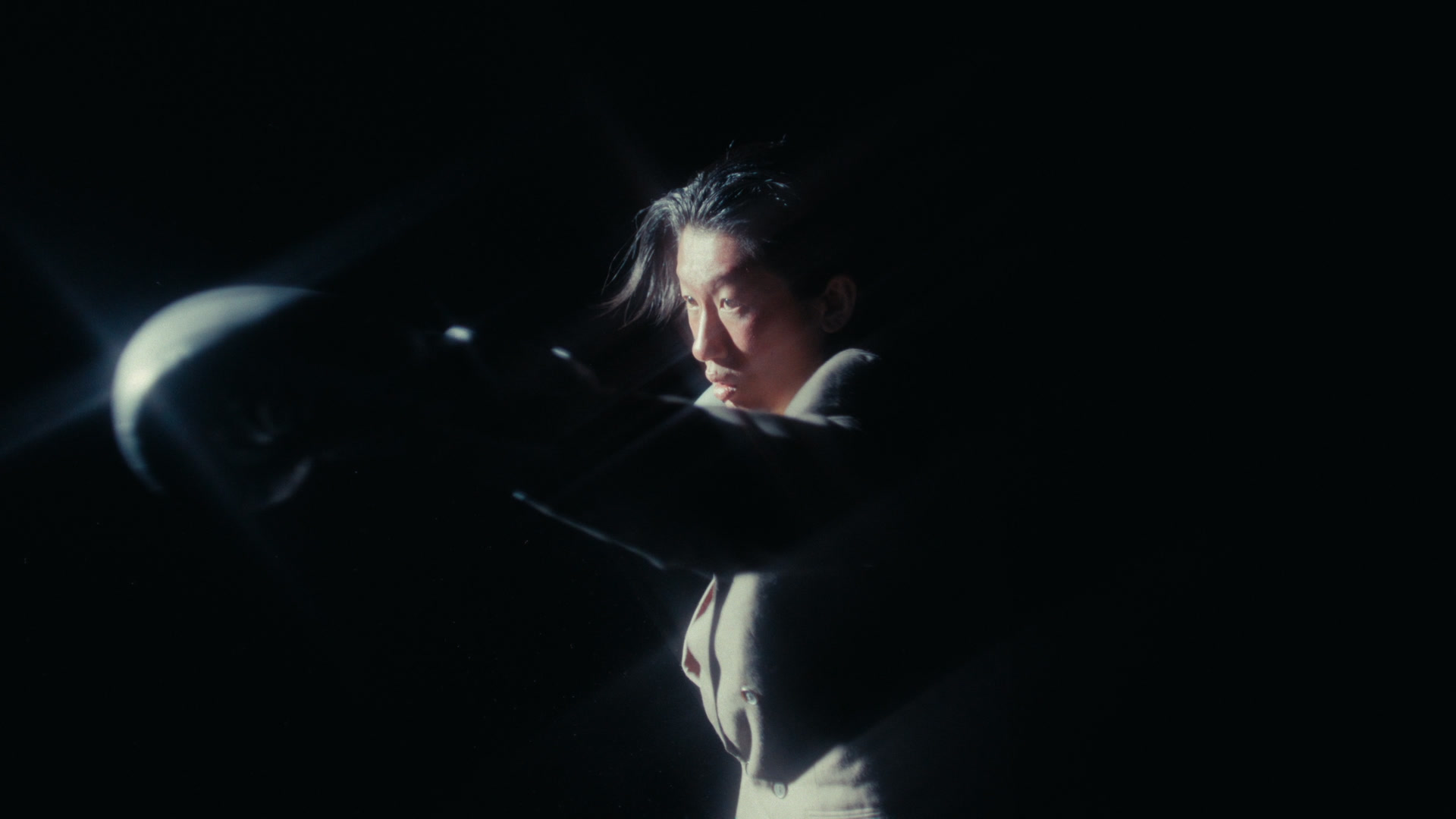
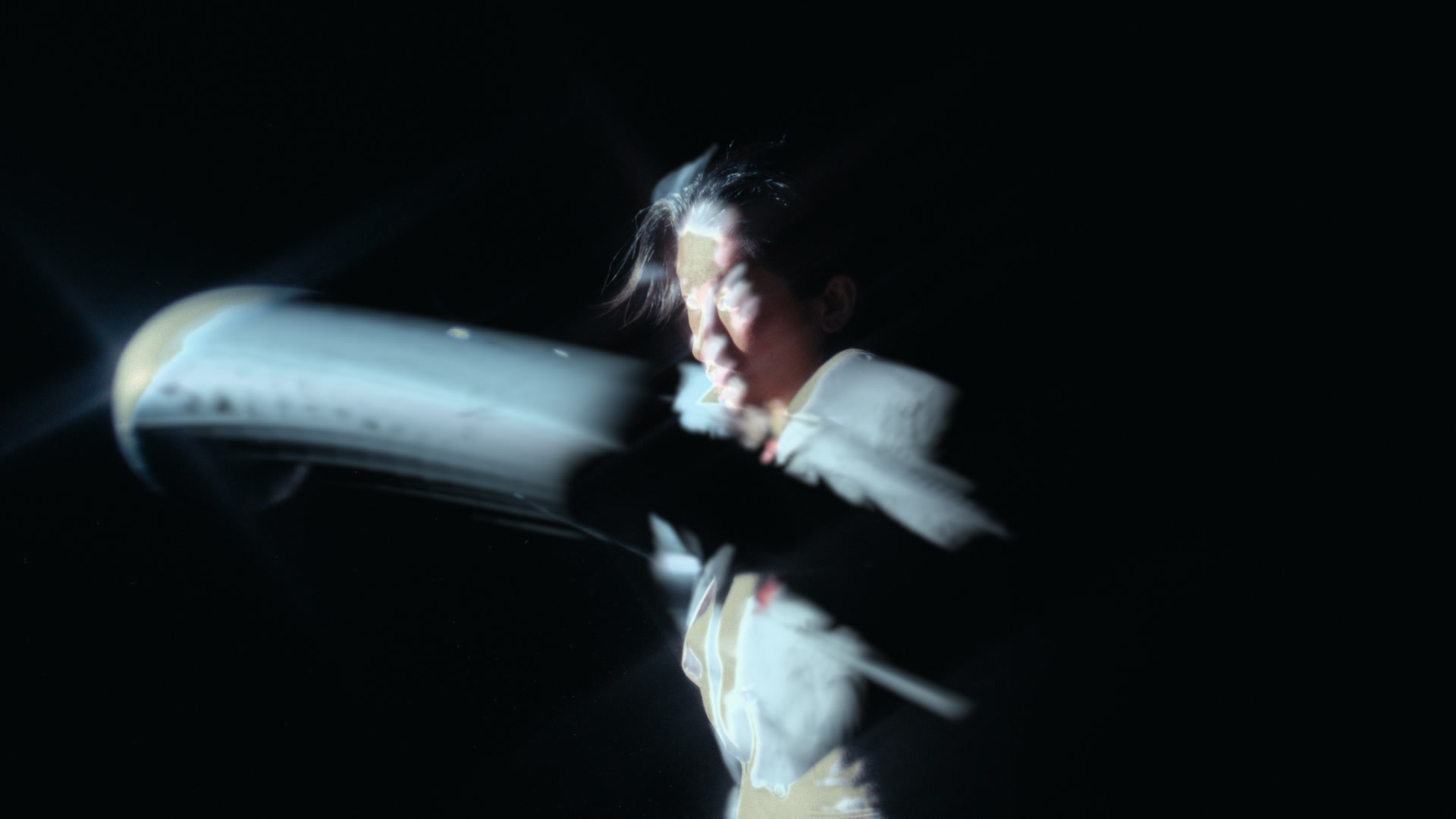 OriginalTEAR
TEAR measures how every part of the shot moves between frames and carries each highlight along its real path, so every light gets its own direction, length and curve.
Set how many frames the shutter stays open, and whether the sharp frame sits at the end of the trail or at its start, with the light running ahead.
Where nothing moves, Manual Direction drags the highlights along one angle.

Highlights sets how bright a part of the picture must be before it starts to streak, so lower values let more of the subject drag along its own motion.

Amount sets how strong the smear is, from the clean shot to long trails of light that follow every move.

Shutter sets how many frames of motion each trail collects, like a slower shutter left open for longer.

Warmth tints the trails from cold blue to warm orange while the rest of the picture keeps its own colour.

TEAR / PAPERWOLF STUDIO
Hi, I'm Lupo, Paperwolf Studio's AI assistant. I can make mistakes. Refunds, licence problems and payments are handled by the team personally. I'll never ask for passwords, licence keys or card numbers, so please don't share them here.
Privacy policyAI assistant · can make mistakes