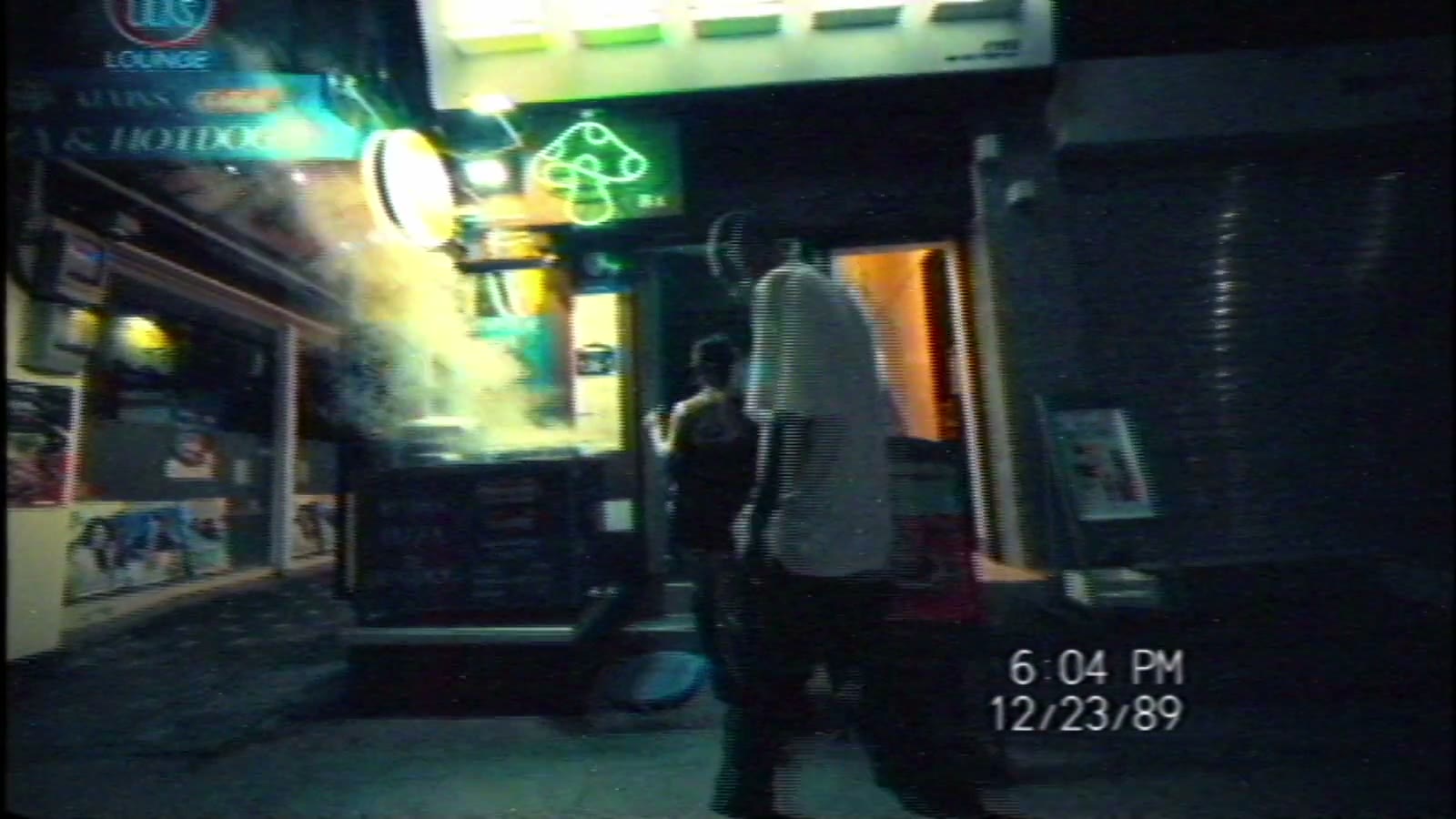
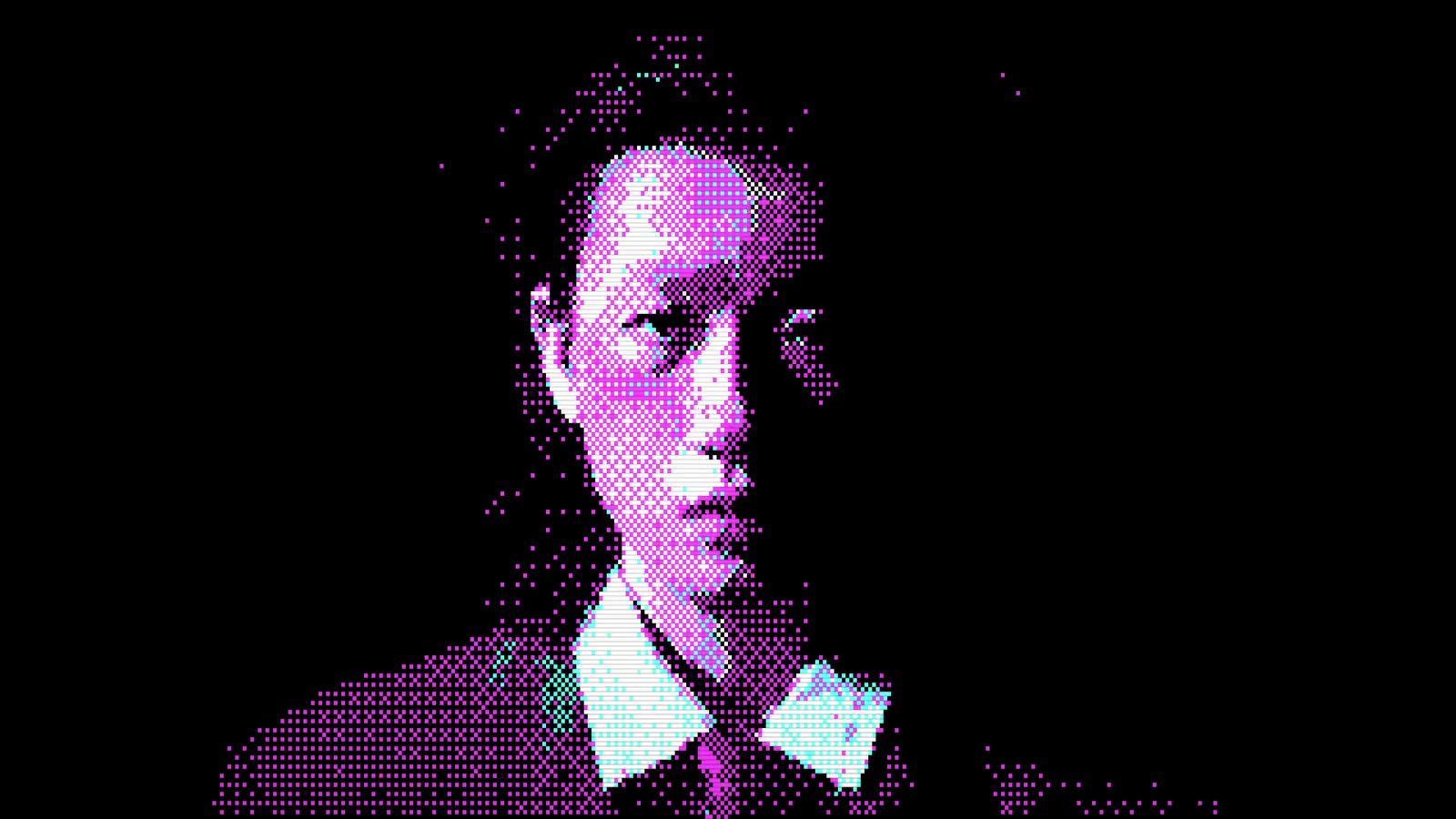
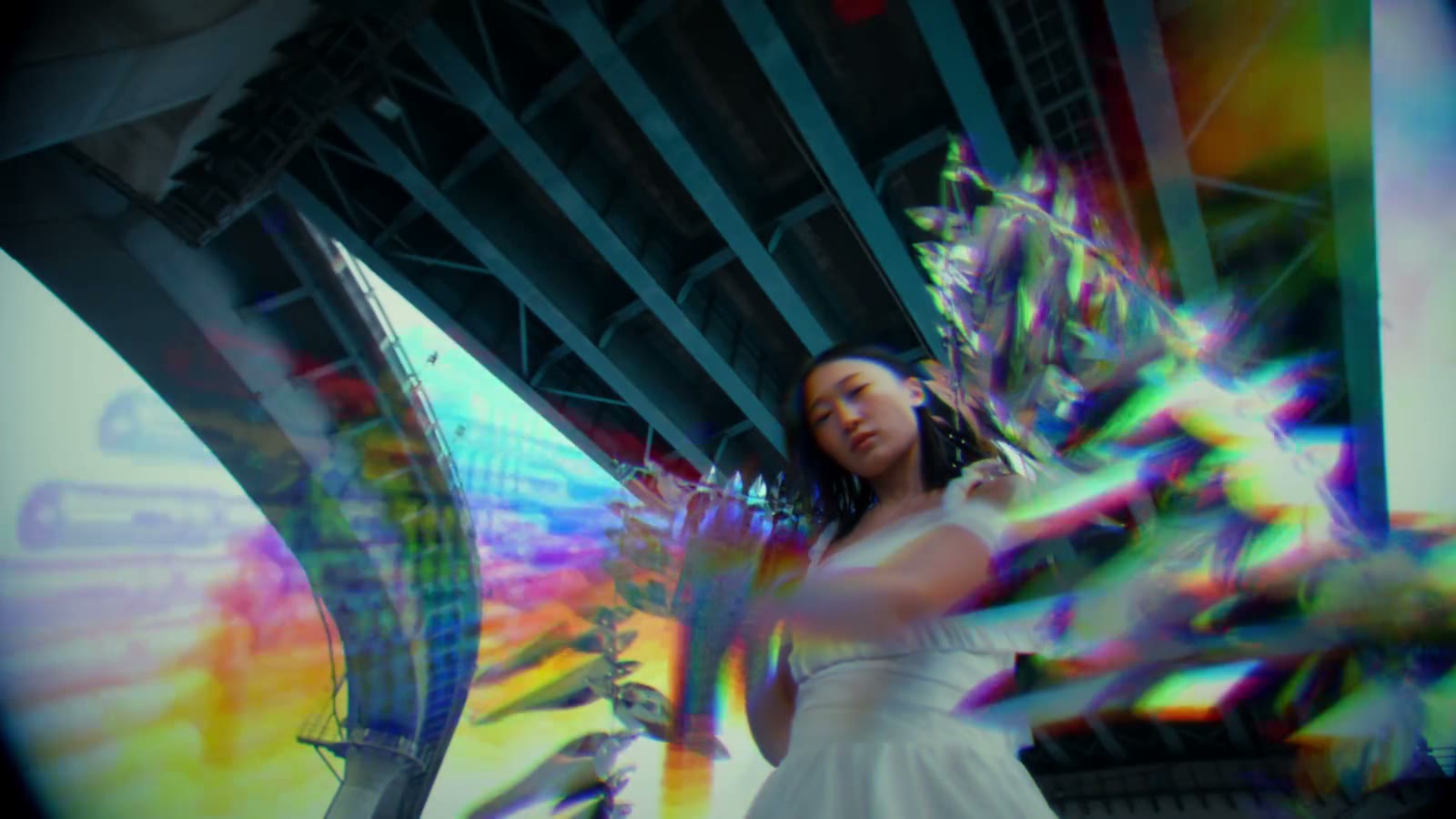
Put GLYPH on the clip
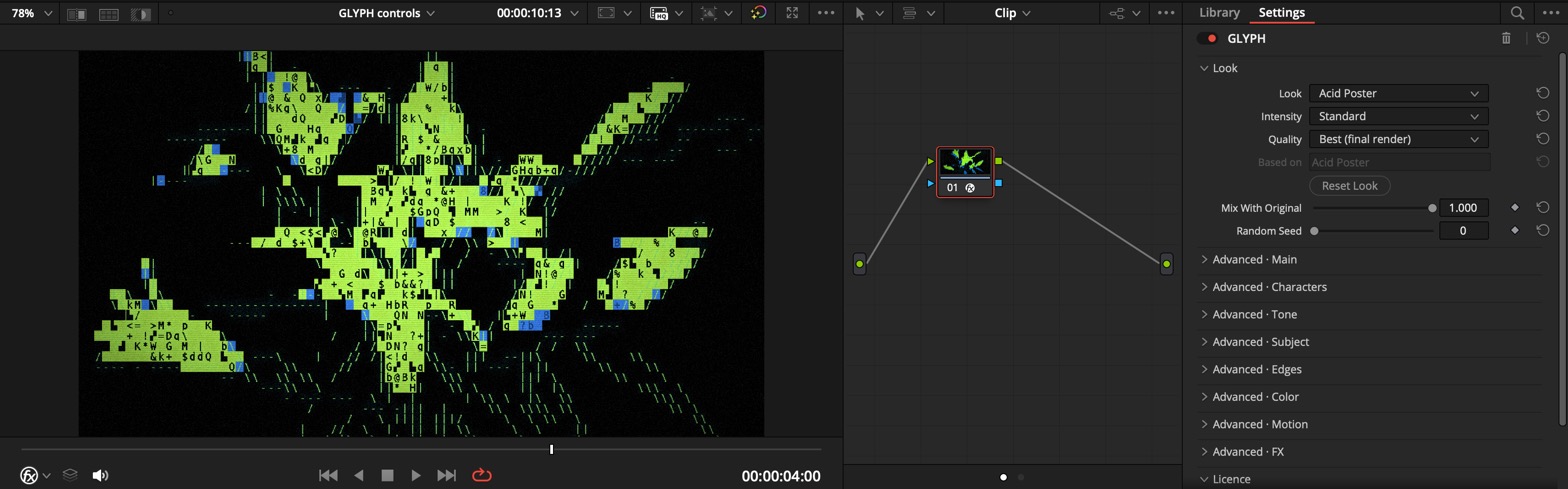
On the Color page, add a node to the clip, open Effects and drag GLYPH from Paperwolf Studio onto the node. Its settings open next to the node graph.
Pick a look
The Look menu at the top has thirteen looks, and each one sets every control below it. Change anything afterwards and Based on shows the look's name with "(modified)" after it.


What it says
The examples start from Broadside with Elsewhere on Image and Character Size at 34. The lilies stay a photograph and one phrase fills the dark around them.
Custom Characters

In Advanced · Characters. With Character Set on Custom (below) and Mapping on Text repeats, brightness = intensity, whatever you type here is written across the frame, line after line. End it with a space so the phrase does not run into itself.
Character Size

In Advanced · Main. The width of one character, in pixels of a 1080p picture, so a project in 4K gets the same grid as one in HD. Small, the phrase is a texture. Large, you read it before you see the flowers.
Font

Three monospaced fonts, so every character sits in its own cell.
Cell Height / Width

The shape of the cell. A terminal character is about 1.6 times taller than it is wide. Near 1 the grid is square and the lines sit closer together.
Glyph Weight

Thinner or bolder strokes without changing the font.
Mapping

How the cells are filled. Text repeats, brightness = intensity writes your phrase in order. English words fills the frame with whole words from a built-in list. Random characters scatters the set. The fourth, Brightness picks character, is classic ASCII art: more ink where the picture is brighter.
Where the characters go
Advanced · Subject splits the frame in two. One part gets the characters and the other part is left to Elsewhere.
Subject Is

What counts as the subject. Dark areas puts the phrase in the black behind the flowers. Bright areas writes on the petals and leaves the dark alone. Subject (auto) finds the person or the main object of the shot by itself.
Subject Threshold

Where the line between the two parts falls. Low, the text eats into the stems and the shadows of the petals. High, it stays in the pure black.
Grow Subject

Pushes the edge of the subject out or pulls it in, cell by cell.
Characters

Which side the characters take. Everywhere ignores the subject and covers the whole frame.
What the rest shows
Elsewhere

The part of the frame without characters. Image leaves the clip as it is. 1-bit pixels is what Broadside uses out of the box: the flowers dithered into black and white squares. Tone blocks and Dot grid rebuild them from flat blocks or dots.
Elsewhere Image Saturation

How much colour the picture keeps. At 0 it is black and white against a black and white page.
Elsewhere Image Brightness

Dims the picture until the phrase is the brightest thing in the frame.
Motion
Advanced · Motion makes the characters move on their own. Everything follows the clip's time and the Random Seed, so the same frame always renders the same way.
Motion

Scrolling lines slides the phrase sideways, row by row. Decode scrambles the characters in waves and lets them settle. Shimmer swaps a few of them all the time.
Rain Trail

The fifth motion is Digital rain, shown on Katakana Rain: columns of characters fall and the picture appears where they land. This is the length of the trail behind each drop, in cells.
Sets and edges
Character Set

Twenty-one sets, shown on Constellation. The ramps go from a space for black to an @ for white. Dots, Squares, Lines and Dot matrix are drawn shapes. Katakana, Hiragana, Kanji and Hanzi come with their own fonts.
Blank Below

In Advanced · Tone. Cells darker than this value get no character, which leaves the subject standing in empty space.
Edge Sensitivity

In Advanced · Edges, shown on Blueprint. Draw Edges traces the outlines of the picture with strokes that follow the edge under them, and this sets how strong an edge has to be to get one.
Colour
Advanced · Color and the tones that feed it, on Acid Poster.
Posterize Tones

In Advanced · Tone. Crushes the picture to between two and six flat tones before the characters are picked. At 0 the tones stay smooth.
Character Color

Single color is the terminal. Original colors gives each character the colour of the clip under its cell. Two-tone gradient runs from one colour in the shadows to another in the highlights. Original per pixel keeps the clip's colour inside the strokes themselves.
Background

What is behind the characters. Dimmed image and Transparent keep the clip there. Dot grid, Tone blocks and 1-bit pixels build a second, coarser picture and the characters sit on top of it.
The screen
Advanced · FX is the monitor the characters are shown on, here on Phosphor.
Glow

A soft halo around the lit cells, the way a phosphor tube blooms.
Glitch Rows

The chance, for every row on every frame, of jumping sideways. Glitch Shift sets how far, in cells.
Scanlines

Darkens every other band of the picture. Scanline Size is the height of a band in pixels of a 1080p picture.
How much of it
Mix With Original

In Look, above the Advanced sections. Blends the characters back into the clip. With a keyframe at each end it is a transition from footage to text.
FAQ
Does GLYPH work in the free version of DaVinci Resolve?
Yes, in the free version and in Studio, on macOS. We use it on the Color page, on a node of its own, so it sits wherever you want it in the grade.
Can I use my own characters or text?
Yes. Set Character Set to Custom (below) and type them into Custom Characters. With Mapping on Text repeats, brightness = intensity the field becomes a sentence that repeats across the frame, as in the examples above. There is also a Phrase for the area around the subject and a Caption drawn in the grid.
Can the subject stay a normal picture?
Yes. In Advanced · Subject, set Characters to Inside the subject or Outside the subject and Elsewhere to Image. The characters take one part of the frame and the clip shows through in the other.
Can I keyframe the controls?
Yes. Every slider has a keyframe button on the Color page.
Does the look change when I render in 4K?
No. Character Size is measured in pixels of a 1080p picture, so the grid has the same number of characters at any resolution.
Why does my ASCII video look like a flat grey pattern?
The cells are all landing on the same few characters, because the clip has little contrast. In Advanced · Tone, raise Auto Levels or Local Contrast, or choose a shorter set such as Classic ramp so each character covers a wider band of brightness.
Get GLYPH
GLYPH has thirteen looks and around 80 controls under them. The trial has every feature with a watermark and no time limit, so you can try it on your own footage first.